Platform customization
The best ERP is not the one with the most features — it is the one your team can bend to how you operate, without hiring devs or waiting on the vendor. Add free-form fields, automate workflows, tighten permissions, and brand every printout — no custom code.
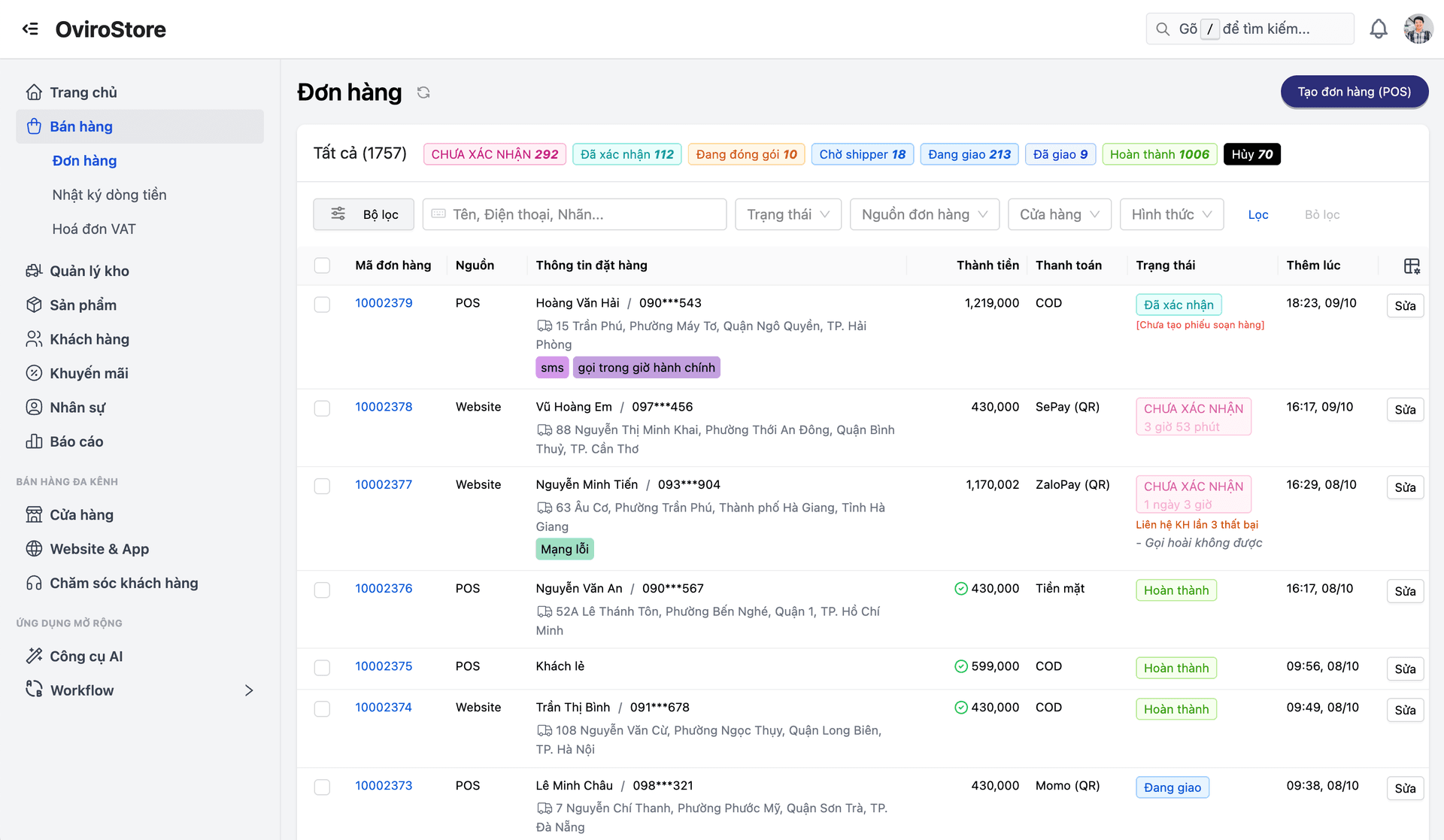
Every business runs differently — yet rigid ERPs force you into their template. Teams revert to spreadsheets or pay vendors for every small tweak.
Adjust the platform to your process — no vendor queue, no dev backlog, no open-ended customization invoices.
Core capabilities
A toolkit that gives CTOs confidence the platform will fit the business for years — not just today.
Security permissions (granular RBAC)
Permissions down to individual actions (view/create/edit/delete). Data isolation: Region A staff cannot access Region B records.
Flexible data fields (custom metafields / EAV)
Add fields to customers, orders, and products: text, number, date, dropdown, checkbox. The system generates filters and search everywhere — no code.
Workflow automation (notifications)
Triggers: order delivered → thank-you email + review link. Stock below threshold → supervisor alert. External channels: Zalo ZNS, email, SMS.
Branded print templates
Customize with HTML/CSS: 80mm receipts, A6 labels, delivery notes. Dynamic variables like [customer_name] and [qr_payment_data] fill on print. Brand logo and colors on every template.
Organization structure
Hierarchy: Company → Office (branch) → Department. Transfer staff between branches → reporting realigns to the new unit.
Detailed features
Customize every layer — data, workflows, print, and permissions.
Custom Metafields (EAV)
Capture industry-specific data — without waiting for new database columns.
- Add fields freely: text, number, date, dropdown, checkbox, file upload
- Attach to customers, orders, products, HR — any entity
- Auto-generated filters and search for new fields across the UI
- Show up in reports and exports — custom fields are first-class
Workflow Automation
The system reacts to events — staff focus on exceptions.
- Triggers: order.delivered → thank-you email + product review link
- Stock below safety threshold → supervisor alert + optional PO draft
- External APIs: Zalo ZNS, SMTP email, SMS gateway
- Scheduled jobs: end-of-day reports, booking reminders two hours ahead
Print Template Builder
Receipts, invoices, delivery slips — on brand.
- HTML/CSS templates: 80mm receipts, A6 labels, delivery notes
- Dynamic variables: [customer_name], [qr_payment_data], [order_items]
- Logo and brand colors on every printout — preview before save
RBAC & org structure
Permissions plus data isolation for multi-branch operators.
- Fine-grained rights: module + action (view/create/edit/delete)
- Data isolation: Region A cannot see Region B data
- Org chart: Company → Office → Department — clear reporting lines
Customization journey
Tune the system yourself — no developer on every change.
Data fields
Add custom fields to customers, orders, and products.
Automation rules
Define triggers and automated actions (workflows).
Permissions
Configure granular access per role (RBAC).
Print layouts
Design branded receipts and delivery documents.
Org structure
Set up multi-branch hierarchy and departments.
Data fields
Add custom fields to customers, orders, and products.
Automation rules
Define triggers and automated actions (workflows).
Permissions
Configure granular access per role (RBAC).
Print layouts
Design branded receipts and delivery documents.
Org structure
Set up multi-branch hierarchy and departments.
Customization for every industry
From F&B and retail to high-growth startups — the platform bends to your process, not the reverse.
F&B needs bespoke fields
Restaurants capture table preferences, allergens, and visit notes on the customer profile — custom metafields surface on POS, filter on dashboards, and print on tickets.
Branded receipts at scale
A coffee chain wants 80mm receipts with logo, tagline, Zalo OA QR, and a bounce-back promo code. Print Template Builder uses HTML/CSS and dynamic variables — every print pulls the right data automatically.
Startup notification automation
Delivered orders trigger thank-you email + review link. Stock under 10 → Zalo ZNS to supervisors. Bookings two hours out → SMS reminders. Configure it all with workflow rules — no engineering.
Why Oviro customization?
Oviro uses an EAV architecture so you can add attributes without altering core schema. Combined with enterprise RBAC and workflow automation, it is the toolkit that keeps the platform relevant for the next three to five years — not just launch week.
Shape the ERP around how you operate
Custom fields (EAV), workflow automation, branded print templates, and granular RBAC — all self-serve, no developers, no surprise customization fees.