End-to-end product management
Normalize all product data across every sales channel — from POS to marketplaces — in one source of truth. Remove mismatches and cut data-entry effort by up to 80% when you scale the catalog.
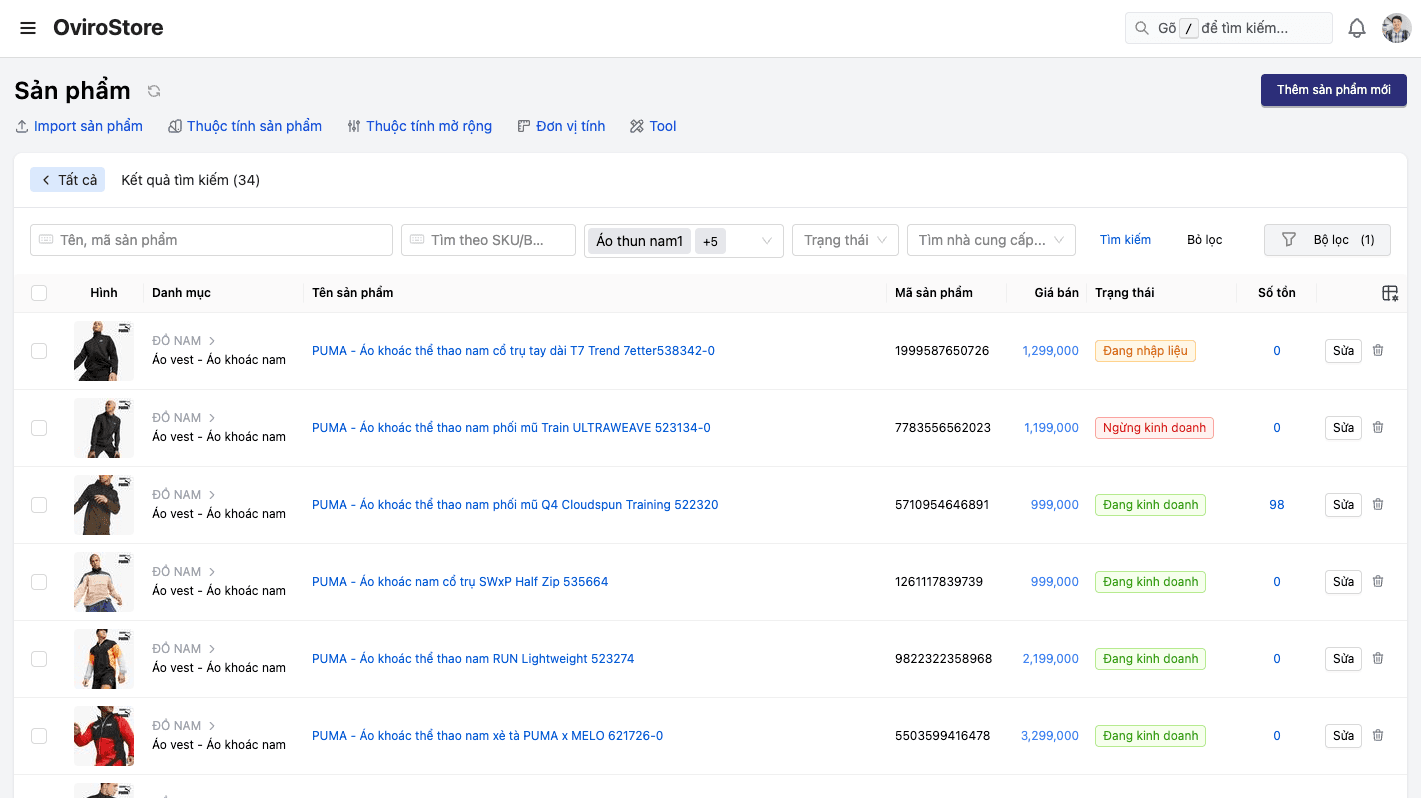
Product data splinters across POS, website, and marketplaces — wrong prices, stock mismatches, inconsistent descriptions — eroding control and customer trust.
Remove cross-channel product mismatches and cut data-entry effort by up to 80% when expanding the catalog. Every PIM change propagates automatically to POS, website, app, and marketplaces.
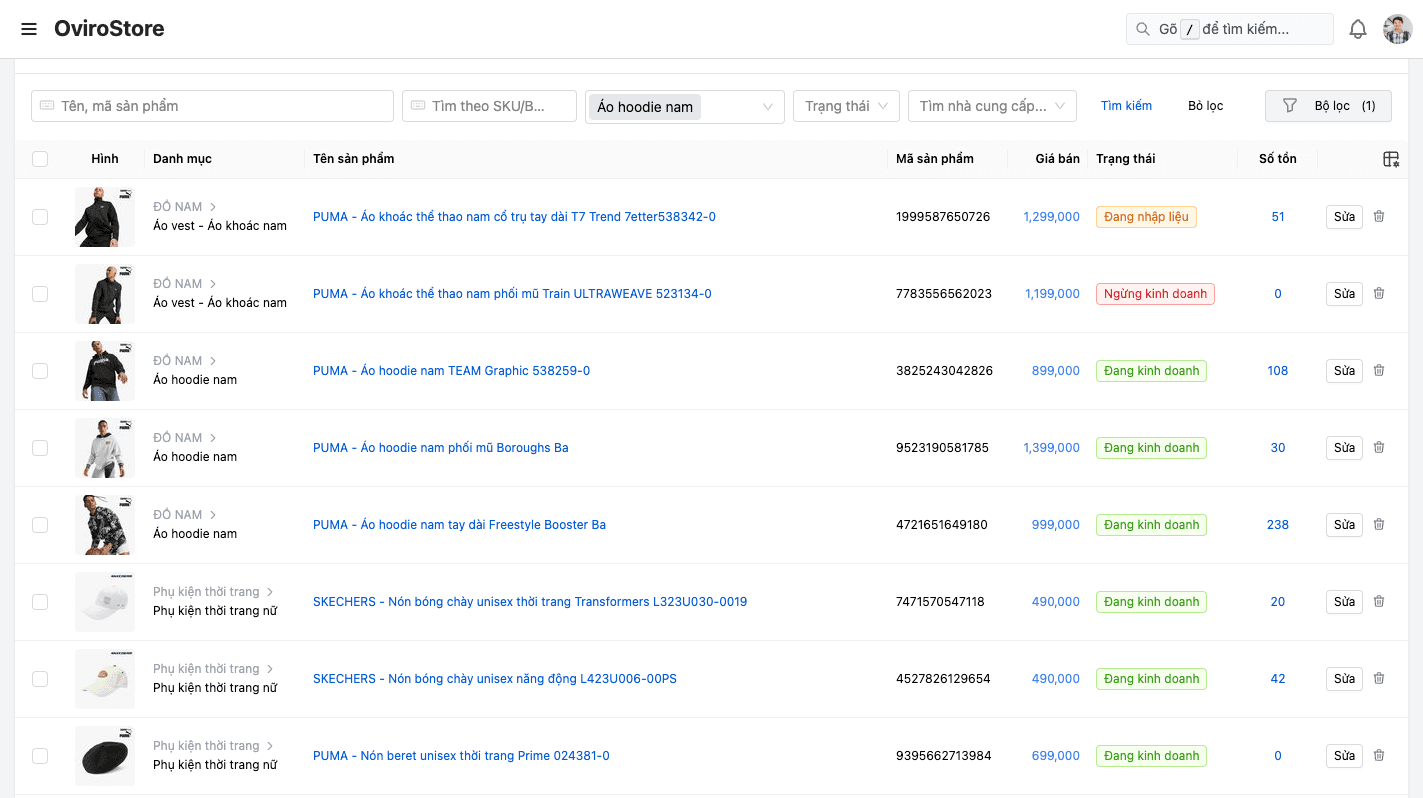
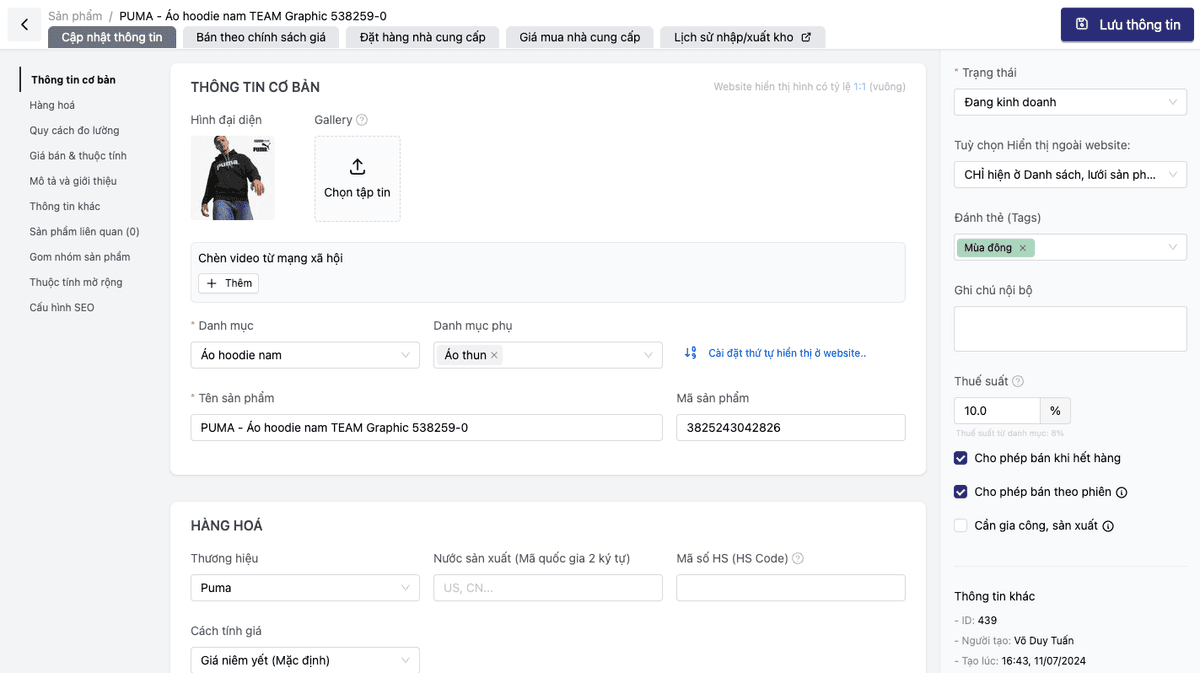
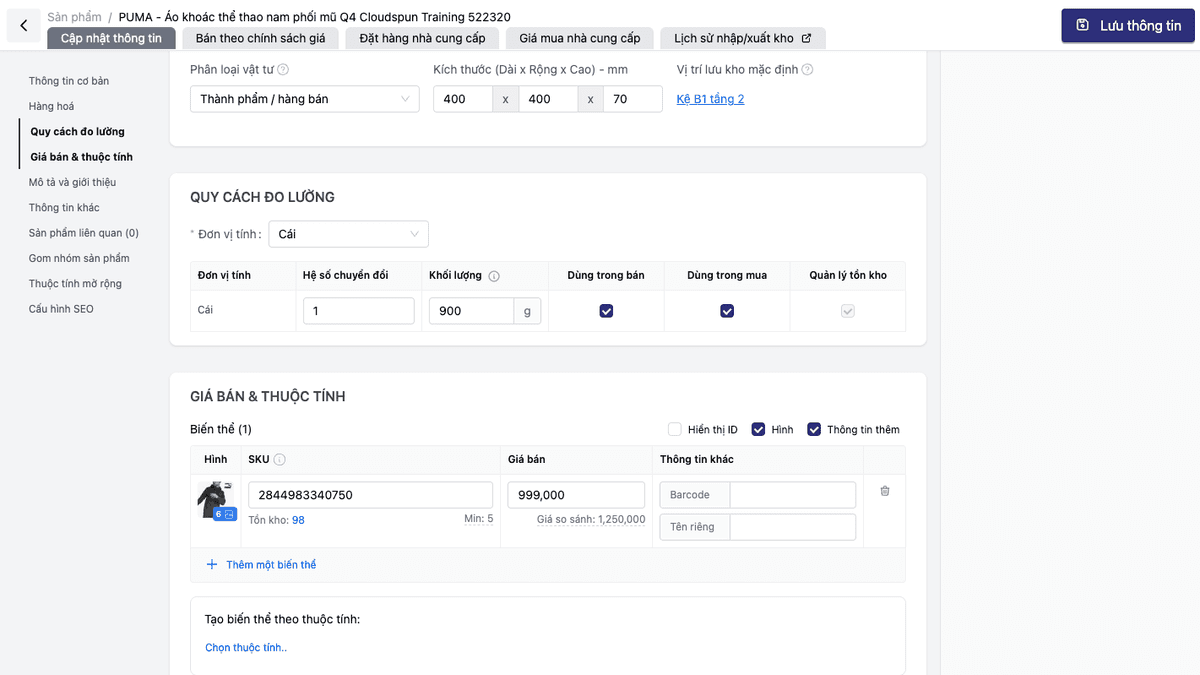
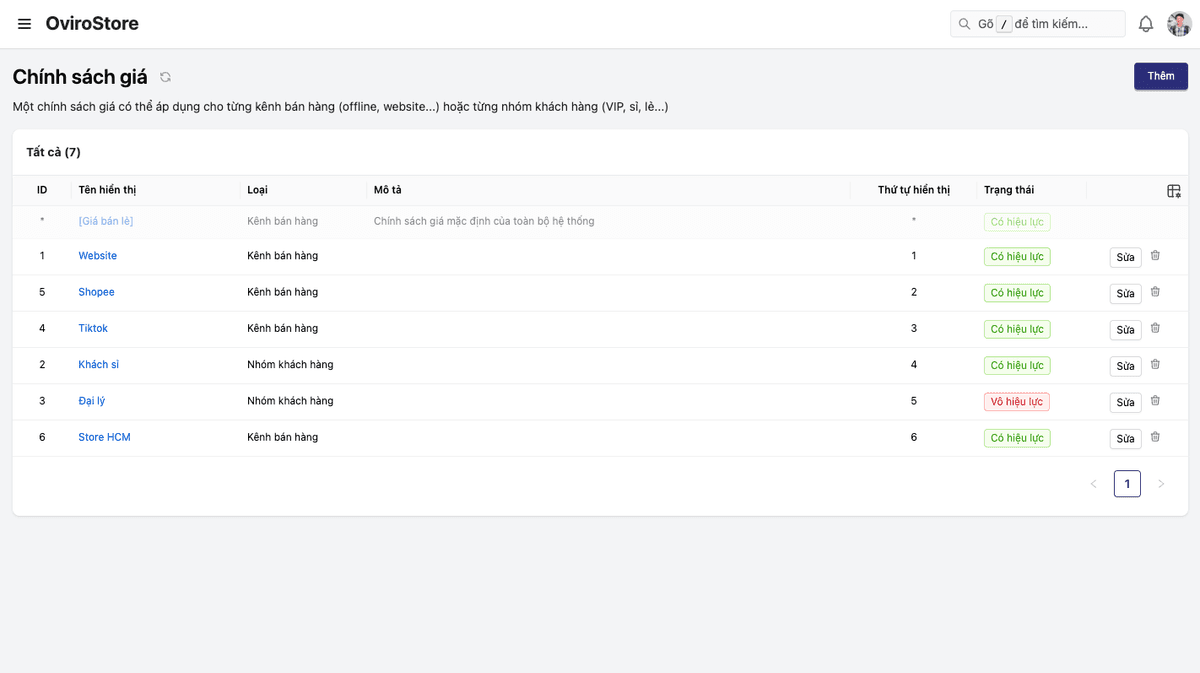
Core capabilities
Everything you need to run a professional product catalog — from creating products to selling across channels.
Standardized product information
Name, SKU, brand, category, tags, status — all normalized and consistent.
Flexible variants & units of measure
Create variants from options (size, color…), with multiple UOMs and conversion factors.
Multi-channel pricing
Configure sell prices by channel and UOM, quote pricing, and supplier purchase prices.
Classification & organization
Tree categories, smart collections, product groups, brands, and website filters.
Automatic SEO for your website
Friendly URLs, meta title & description, canonical, OG image — optimized for search engines.
Import / export & bulk updates
Import products from Excel, export lists, batch update status & visibility.
Feature details
Full product management capabilities, grouped by business function.
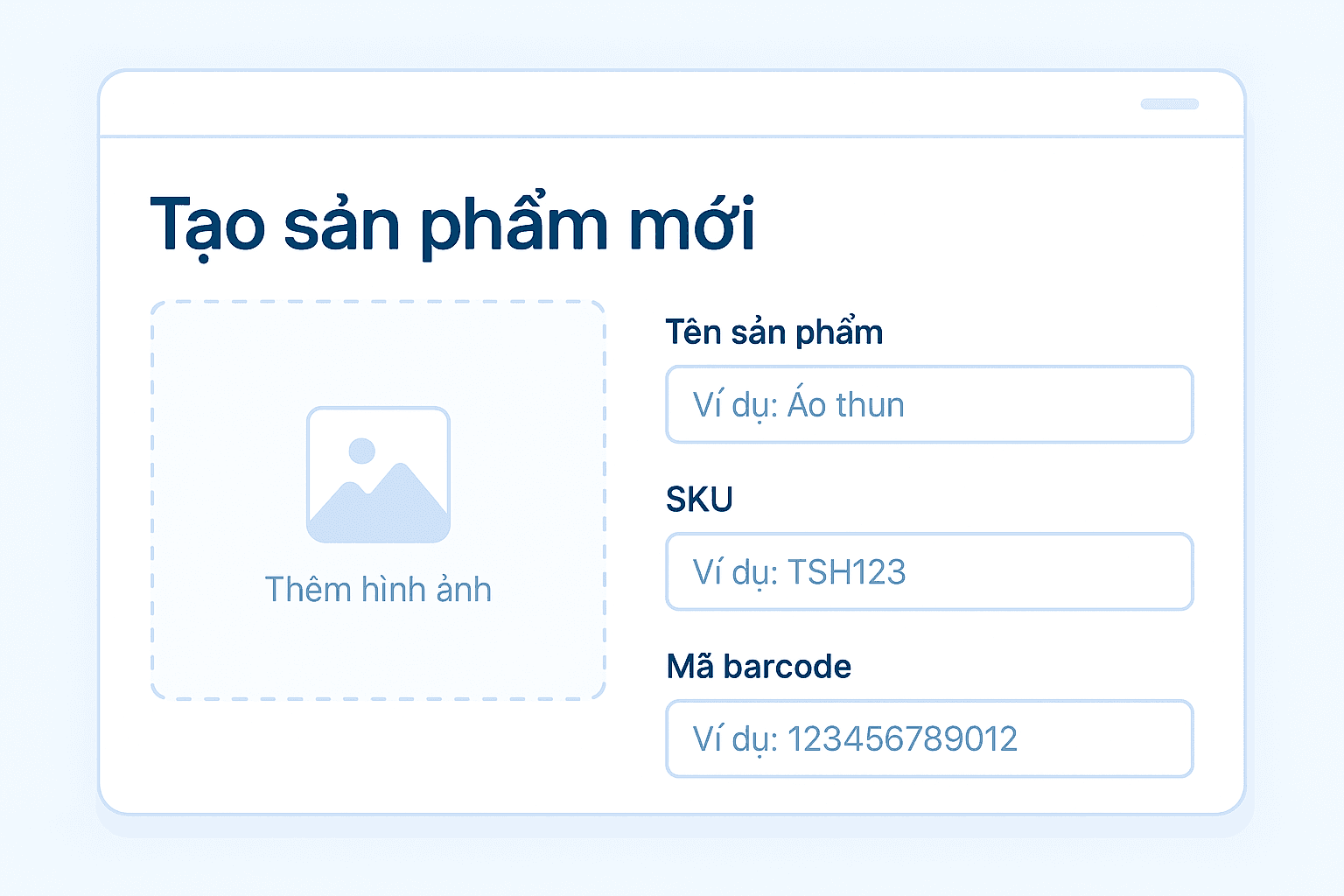
Product information
Normalize all core product data in one place.
- Product name, short name, SKU
- Primary category and multiple secondary categories
- Assign brand to the product
- Manage tags and internal notes
- Product status (draft, on sale, discontinued)
- Website visibility settings
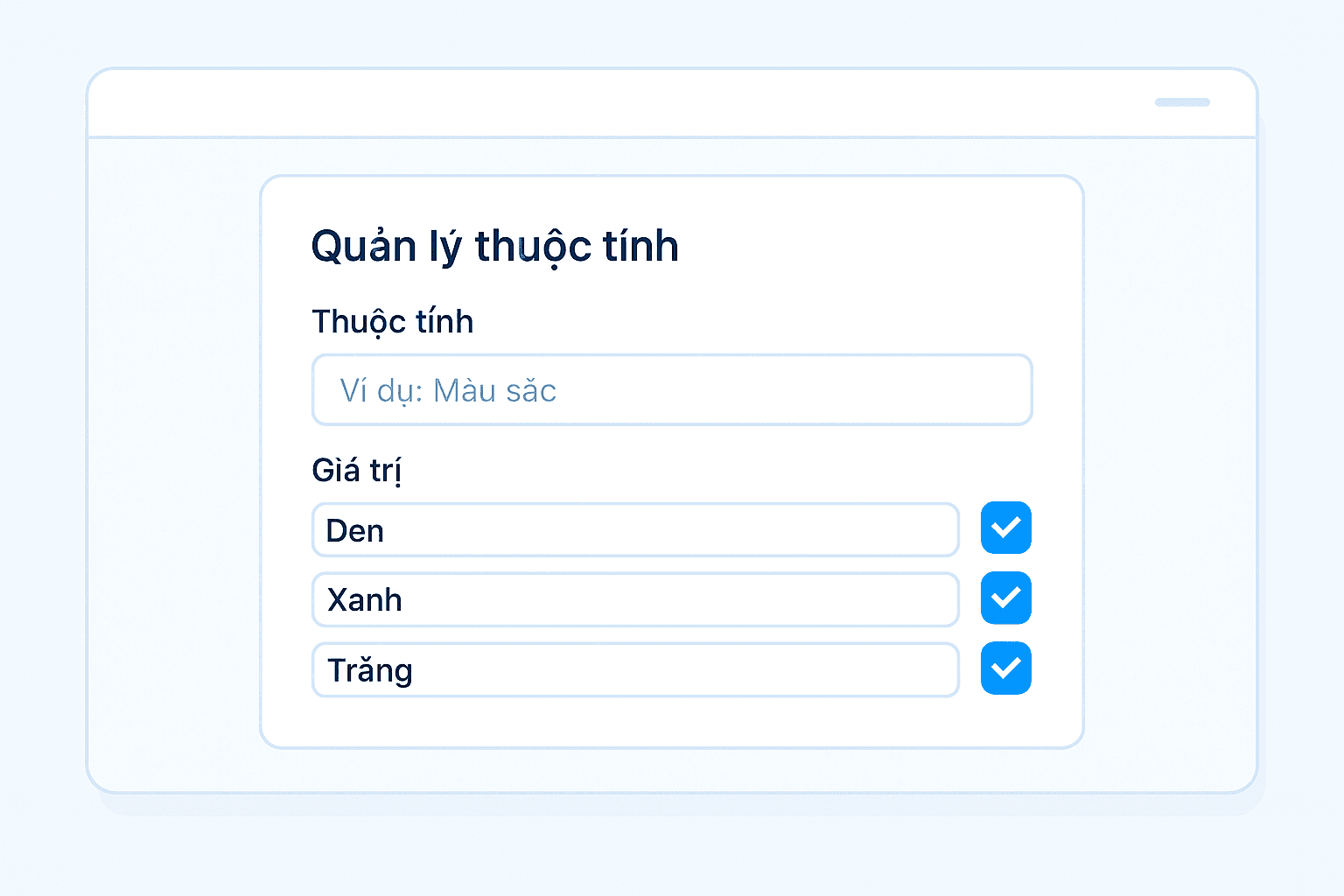
Variants & units of measure
Flexibly create variants and UOM conversions for any merchandise.
- Product options: size, color, material…
- Auto-generate variants from options
- Separate SKU and barcode per variant
- Dedicated images per variant
- Base UOM and multiple convertible UOMs
- Weight-based products (kg) with weight presets
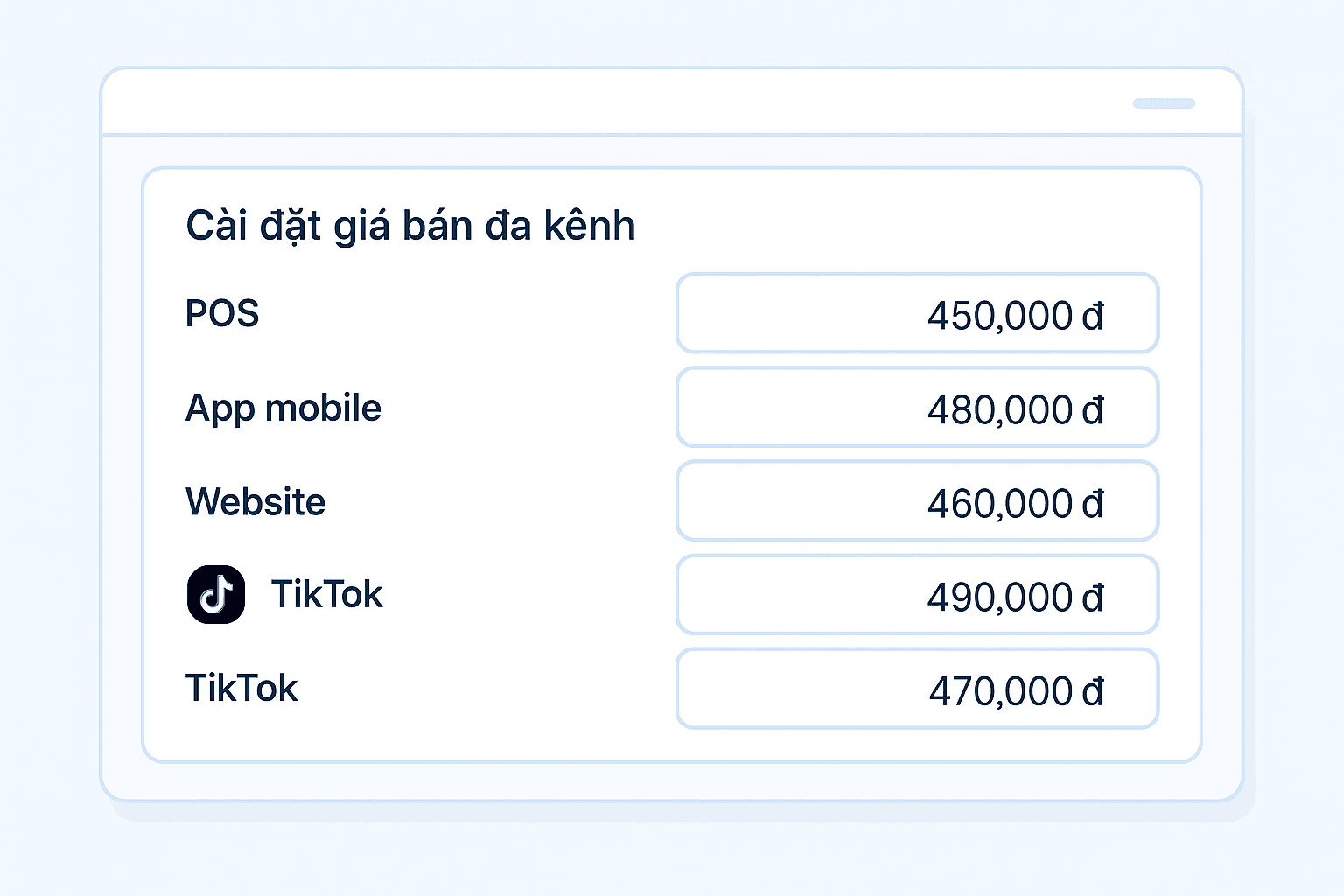
Pricing & price policies
Manage sell prices by channel, UOM, and supplier.
- Sell price per variant
- Channel-specific sell price policies
- Price per UOM
- Quote mode for specialized products
- Supplier purchase price management

Classification & organization
Structure merchandise with tree categories, collections, and filters.
- Multi-level tree product categories
- Assign products to multiple categories at once
- Product collections with automatic rules
- Custom product groups
- Website filters and filter groups
- Centralized brand management
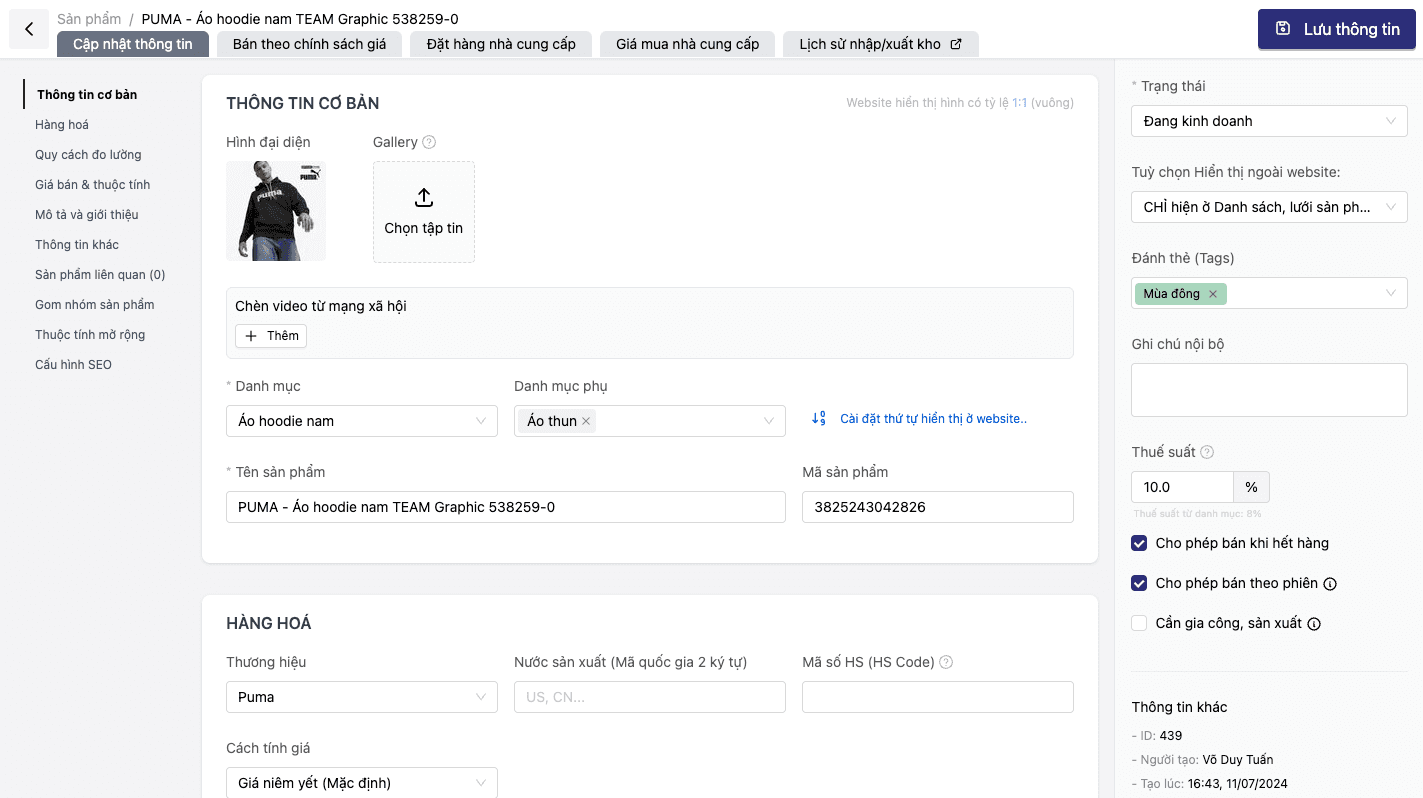
Media & digital content
Manage images, video, and rich descriptions per product.
- Multiple hero images per product
- Product image gallery
- Embedded video and TikTok video
- Short & long descriptions (rich text editor)
- Packaging, warranty, and certification details
- Badges & on-product promotion messaging
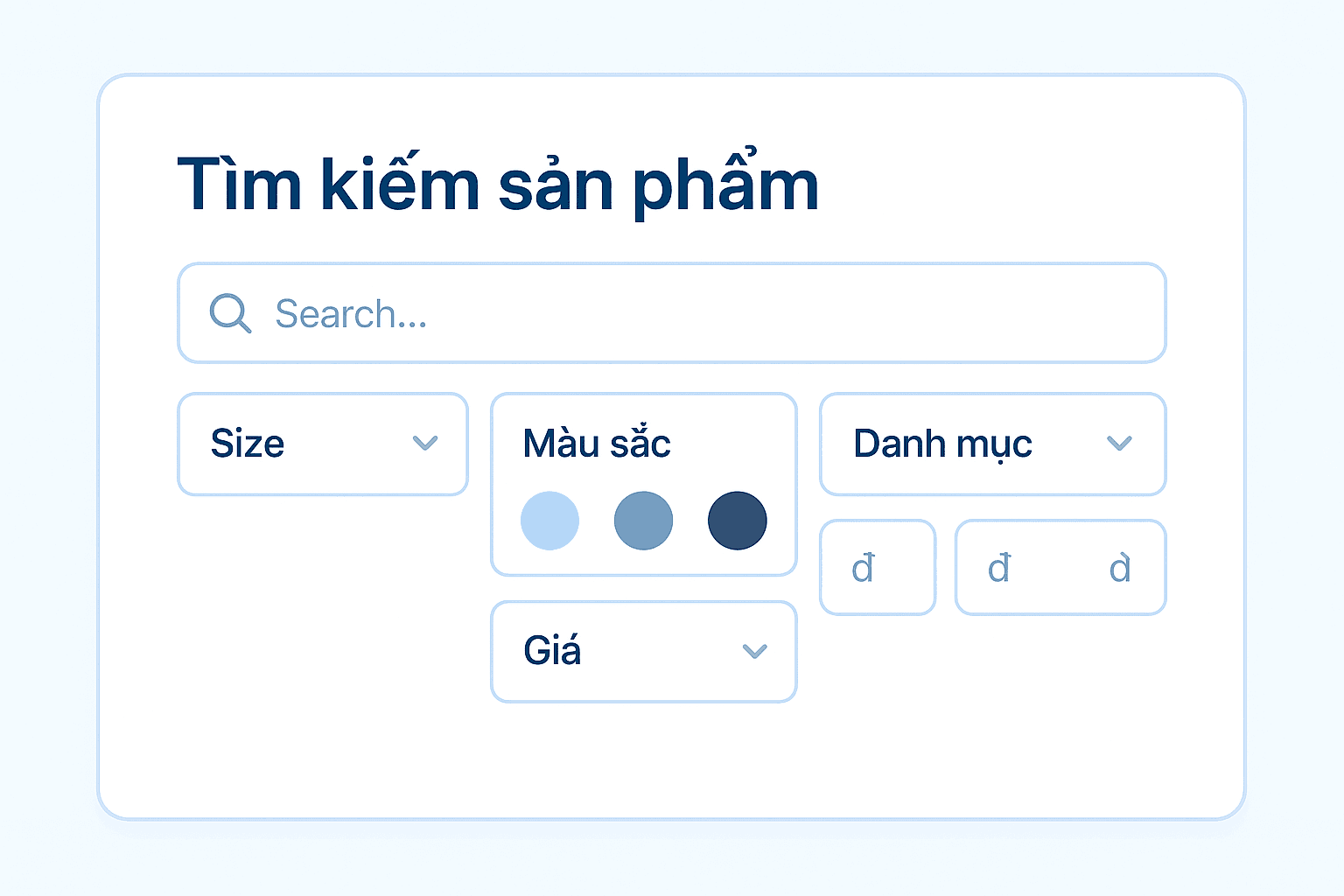
Bulk operations
Save time with import, export, and bulk update tools.
- Import products from Excel
- Export product lists
- Batch update product status
- Batch update website visibility
- Batch update promotion details
- Search by keyword, SKU, category, supplier
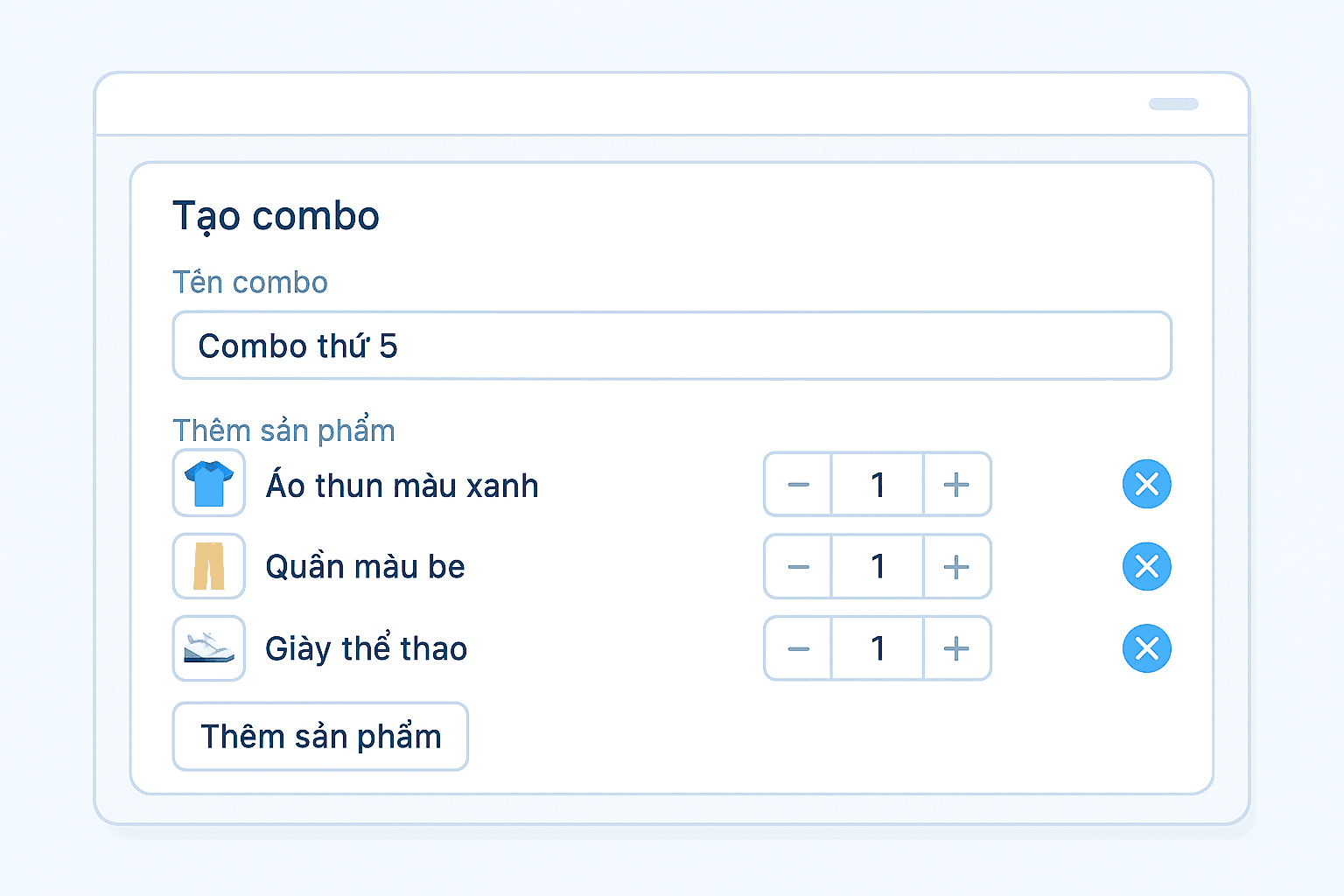
Special product types
Support beyond standard merchandise.
- Combo products (bundled SKUs)
- Detailed combo component configuration
- Products linked to booking services
- Products requiring customization before delivery
- Related products & cross-sell suggestions
SEO & website display
Optimize for search and control how products appear on your site.
- Automatic friendly URLs (SEO URL)
- Meta title, description, keyword
- Canonical URL and robots settings
- Open Graph image for social sharing
- Category-level sort order on the website
Product creation flow
From new item to on sale in five simple steps.
Create product
Enter name and SKU, pick category and brand, upload images.
Define attributes
Set product options: size, color, material…
Generate variants
System auto-creates variants with dedicated SKUs and barcodes.
Configure pricing
Set sell prices per variant, channel, and UOM.
Go live
Switch to on-sale status and sync to your website and channels.
Create product
Enter name and SKU, pick category and brand, upload images.
Define attributes
Set product options: size, color, material…
Generate variants
System auto-creates variants with dedicated SKUs and barcodes.
Configure pricing
Set sell prices per variant, channel, and UOM.
Go live
Switch to on-sale status and sync to your website and channels.
Built for every vertical
A flexible PIM designed for many industries and selling models.
Fashion & accessories
Manage variants by size, color, and material with dedicated SKUs and barcodes. Attach images per variant and configure outfit combos.
Grocery & F&B
Sell by weight (kg) with multiple weight presets, convertible UOMs, and lead-time visibility.
Multi-channel retail
Channel pricing, website SEO, inventory sync, and per-channel product visibility.
Why choose Oviro PIM?
Unlike single-channel product tools, Oviro PIM is built for omnichannel from day one — every change in PIM propagates automatically to POS, website, app, and marketplaces without reworking each channel.
Start standardizing your product catalog today!
Build a solid product data foundation — ready for multi-channel sync, smoother operations, and revenue growth.