Customer service (CS)
A ticket system for every support request — complaints, returns, warranty, and technical issues. Each ticket links to orders, products, and CRM history. Assign to the right owner, track SLAs, and auto-escalate when overdue — turning after-sales from a “cost center” into retention leverage.
Customers call the hotline → agents log in Excel → follow-ups slip → frustration spills onto social. Nobody sees which tickets are late, who owns them, or how often this customer complained before. Loyalty erodes from weak after-sales — with no data to prove it.
Every request becomes a ticket: assigned correctly, SLA-tracked, and auto-escalated when overdue — so no customer voice gets lost.
Core capabilities
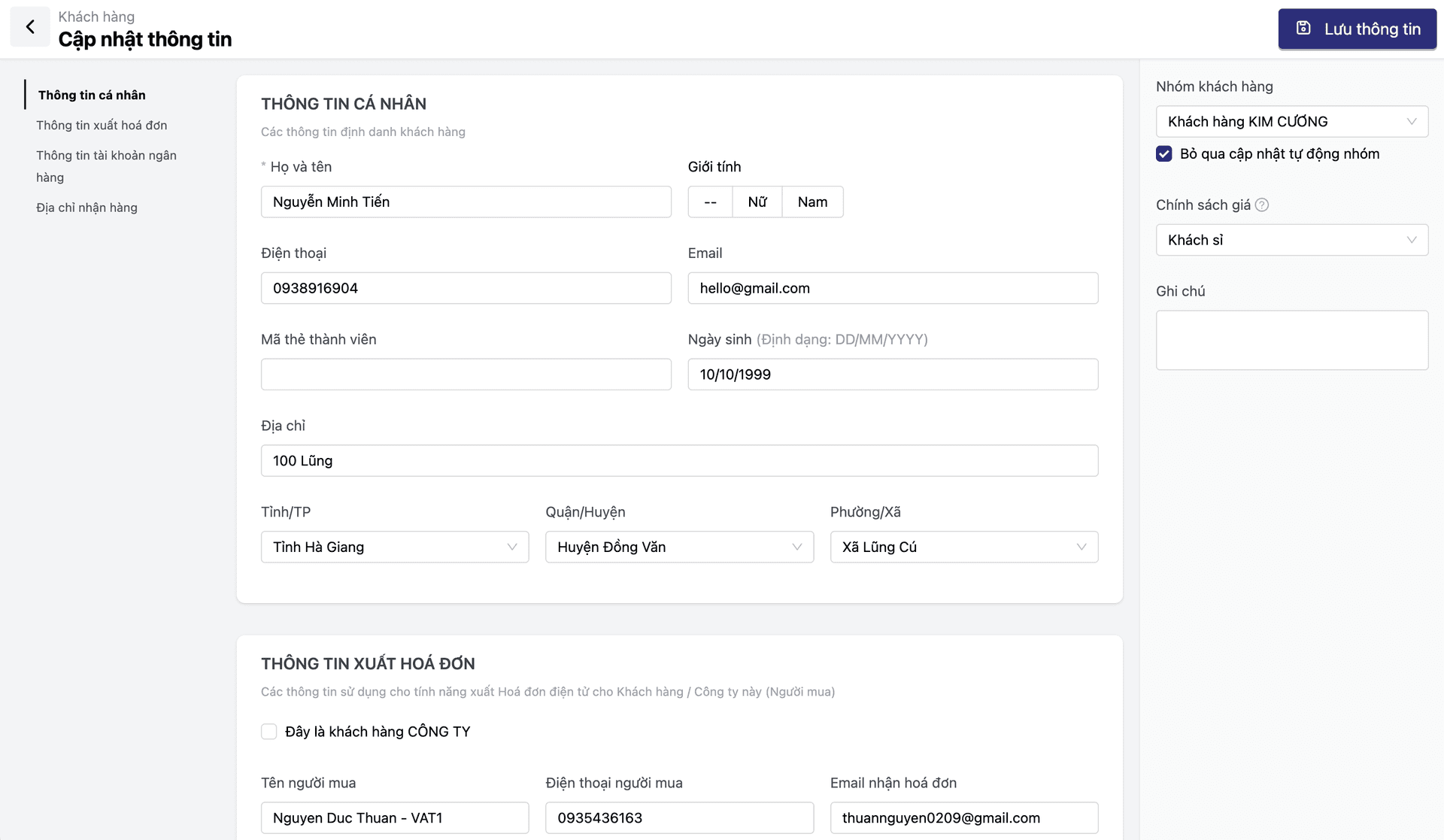
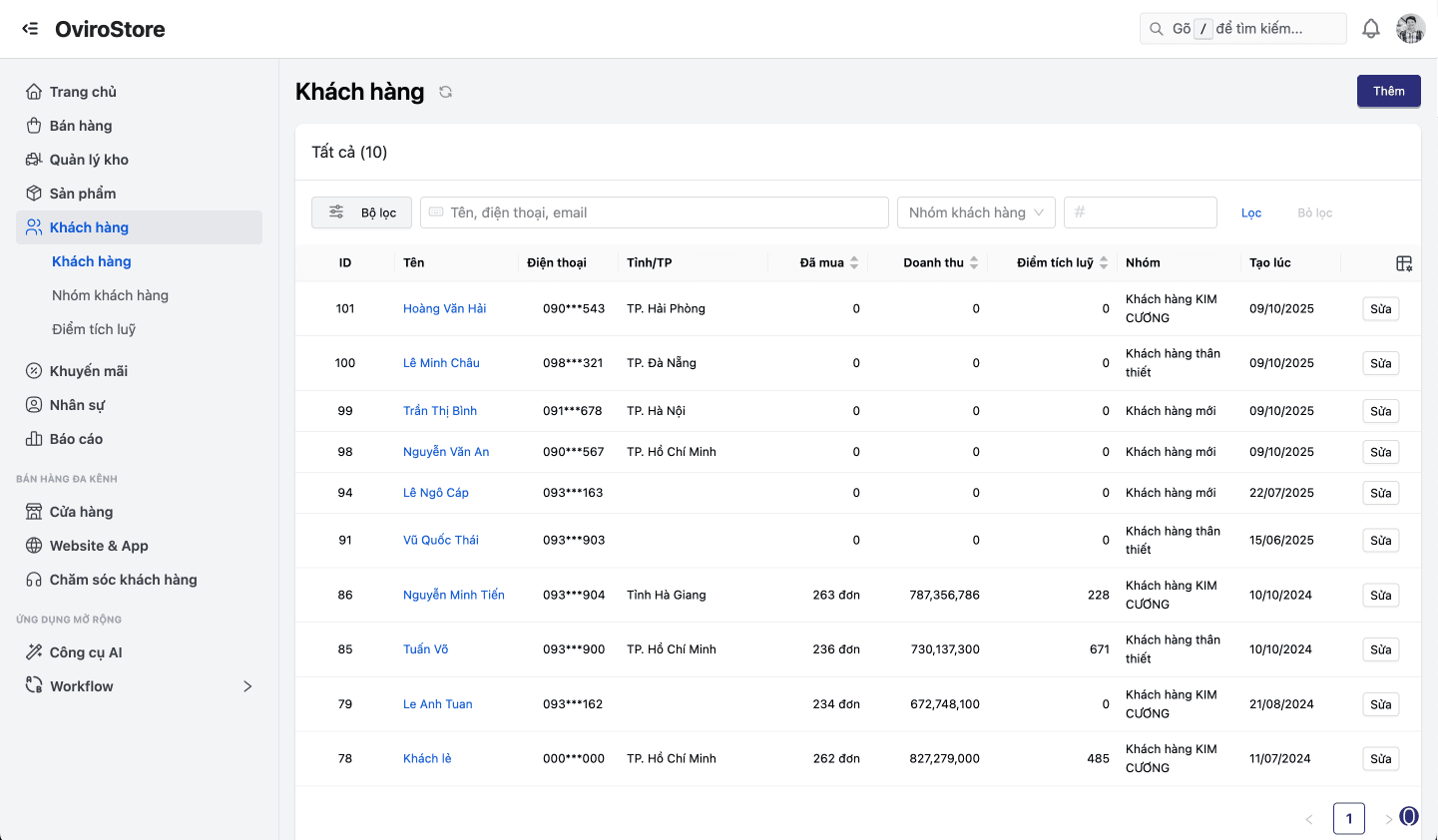
When an agent opens a ticket, they immediately see purchase history, VIP tier, and delivery status — faster resolution without asking the customer to repeat everything.
Ticket management
Create tickets from every channel: chat, email, hotline, and the customer portal. Each ticket links to OMS orders and CRM profiles. Types: complaints, returns, warranty, technical requests, and feedback.
Automated SLA & escalation
Set SLAs per ticket type — e.g. complaints in 4 hours, warranty in 24 hours. Auto-escalate to supervisors when breached. Real-time SLA dashboards show tickets about to miss deadline.
Assignment & collaboration
Auto-assign by skill group or round-robin. Internal notes stay invisible to customers. Transfer tickets across teams (CS → technical → warehouse) with full context.
Quality metrics (CSAT, FRT)
Auto CSAT surveys when tickets close. Track first response and average resolution time per agent. Surface top products or services driving complaints — feedback loop for product.
Feature deep dive
End-to-end support — from intake to quality measurement.
Ticket management
One ticket = one promise — tracked until it is resolved.
- Tickets from chat, email, hotline, social — or self-serve via portal
- Direct links to OMS orders and related PIM products
- Types: complaint, return, warranty, technical request, feedback
- Attach customer photos and video as evidence
SLA & escalation
Commit to response times — and let the system enforce them.
- SLAs by ticket type and priority
- Countdown on the ticket so agents see time remaining
- Auto-escalation when overdue: email supervisor + dashboard highlight
- Weekly and monthly SLA compliance reports
Assignment & collaboration
Right person, right task — with full context on handoff.
- Auto-assign by skill group or round-robin
- Transfer across CS → technical → warehouse — with notes
- Internal notes: team discussion hidden from the customer
Quality metrics
Measure service quality with data — not gut feel.
- CSAT score: auto survey when the ticket closes
- First response time and average resolution time per agent
- Top complaint drivers — feedback for the product team
Ticket lifecycle
From intake to analytics — a continuous improvement loop.
Intake
Tickets from chat, email, hotline, or customer-created in the portal.
Assignment
Auto-assign by skill or round-robin. SLA timer starts.
Work in progress
Agents collaborate, add notes, and link orders or products.
Resolution
Close the ticket and trigger the CSAT survey.
Analysis
SLA compliance, CSAT, and top complaint SKUs.
Intake
Tickets from chat, email, hotline, or customer-created in the portal.
Assignment
Auto-assign by skill or round-robin. SLA timer starts.
Work in progress
Agents collaborate, add notes, and link orders or products.
Resolution
Close the ticket and trigger the CSAT survey.
Analysis
SLA compliance, CSAT, and top complaint SKUs.
Scales with every CS operation
From lean teams to ISO programs — ticketing that fits how you work.
Retail chains with dedicated CS teams
Teams of 5–10 handle hundreds of weekly tickets across channels. SLAs differ by type — returns in 4h, warranty in 24h. Supervisors use a live dashboard to step in before SLAs slip.
E-commerce after-sales
Shoppers hit issues online → open tickets in self-serve portal. Tickets auto-link to OMS orders and products. Agents see purchase history, VIP tier, and past tickets — no repetitive questions.
ISO / audit-ready businesses
Every complaint needs a full trail: who took it, who resolved it, outcome, timestamps. CS provides a complete audit trail, compliance reporting, and exports for internal and external audits.
Why Oviro customer service?
Oviro CS is not a standalone helpdesk — it connects directly to CRM, OMS, and WMS. Agents see purchase history, VIP tier, shipment status, and warranty gift stock without switching tools.
Turn after-sales into a competitive advantage
Manage tickets, SLAs, escalations, and quality metrics — wired straight to CRM and OMS so agents resolve issues with full context.