Order fulfillment & logistics
Run the entire last mile: from the moment an order is approved for dispatch, through routing rules, picking, packing, delivery batches and delivery slips, until the parcel reaches the customer. Speed up Pick–Pack–Ship, reduce wrong deliveries and control shipping costs on every order.
Slow picking, wrong packing, late deliveries — every returned order is shipping cost wasted and customer trust lost. The problem multiplies during Flash Sales.
Increase throughput, reduce wrong or late deliveries, and control shipping spend order by order.
Core capabilities
End-to-end pick-pack-ship - from smart routing through delivery tracking and returns.
Shipment routing
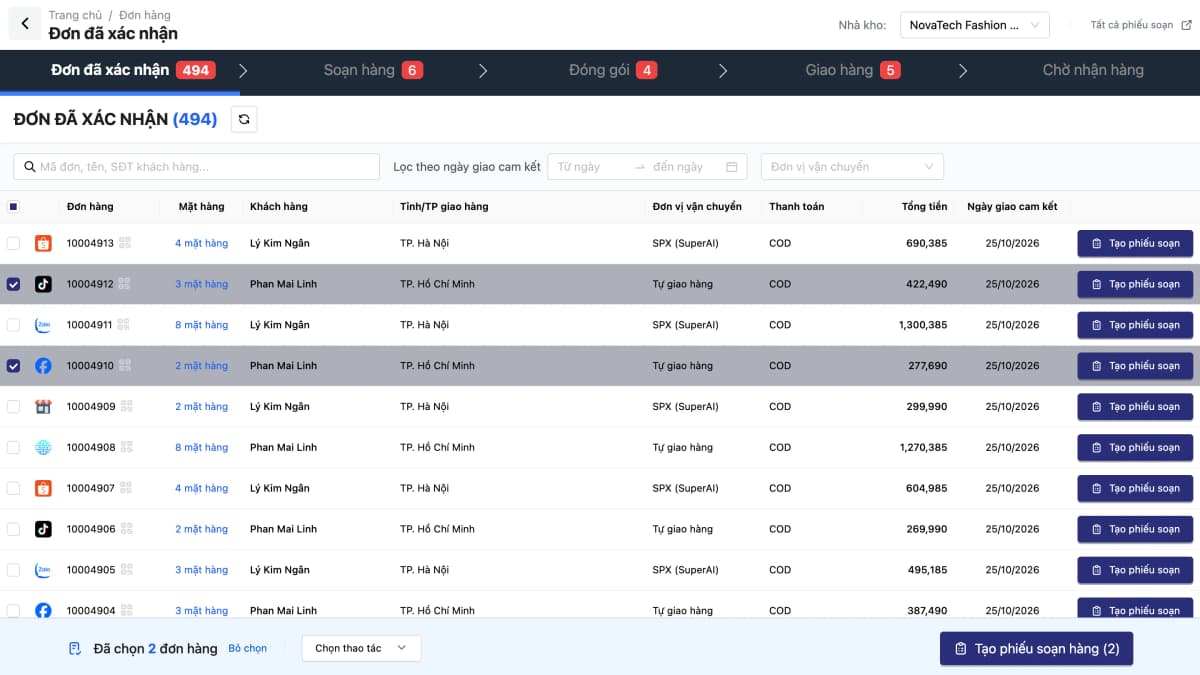
Order routing rules pick the dispatching warehouse/branch based on conditions you set (fixed, priority, nearest, fastest delivery, most stock or manual), with a test page to check them before going live.
Standardized pick & pack
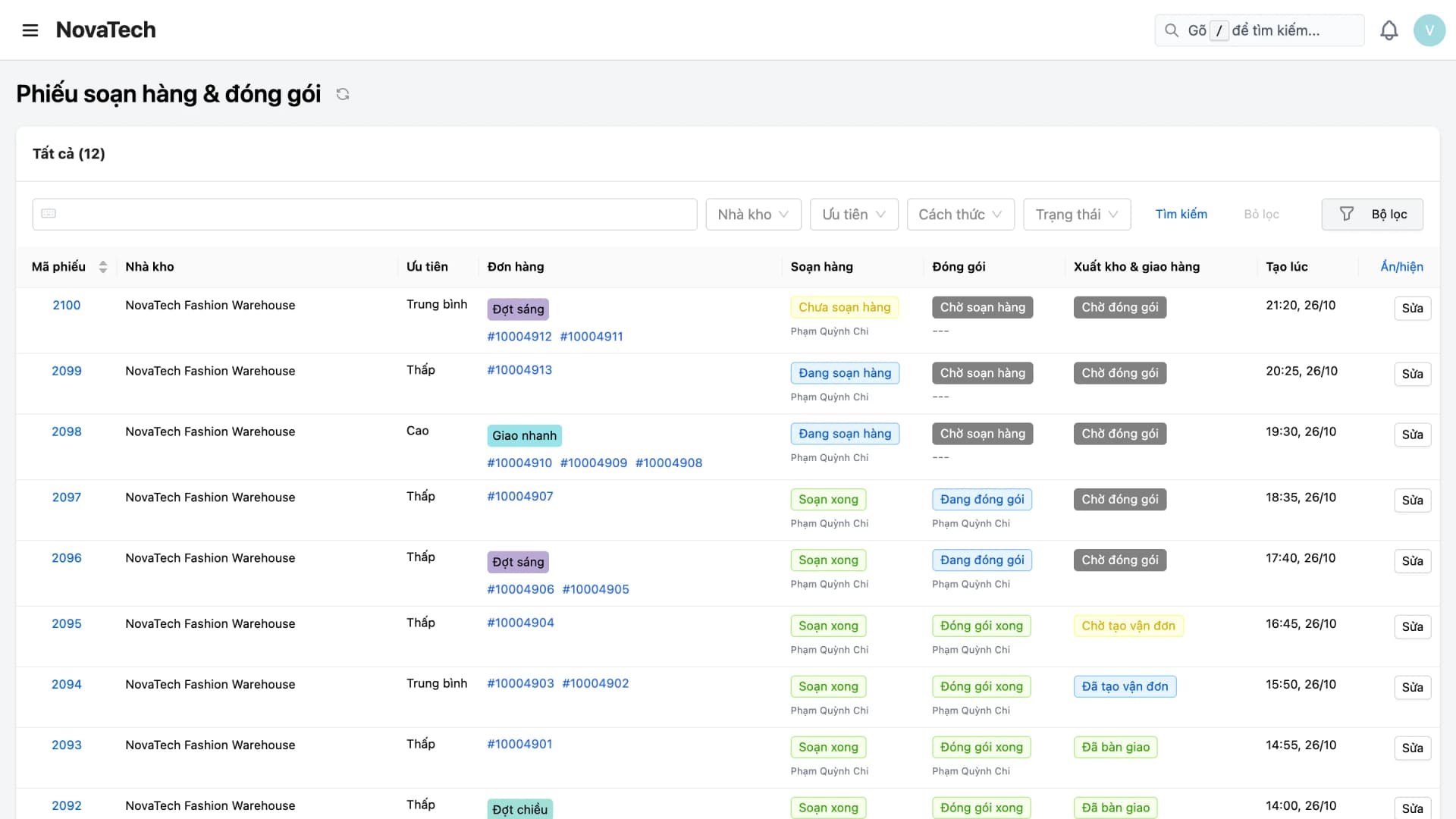
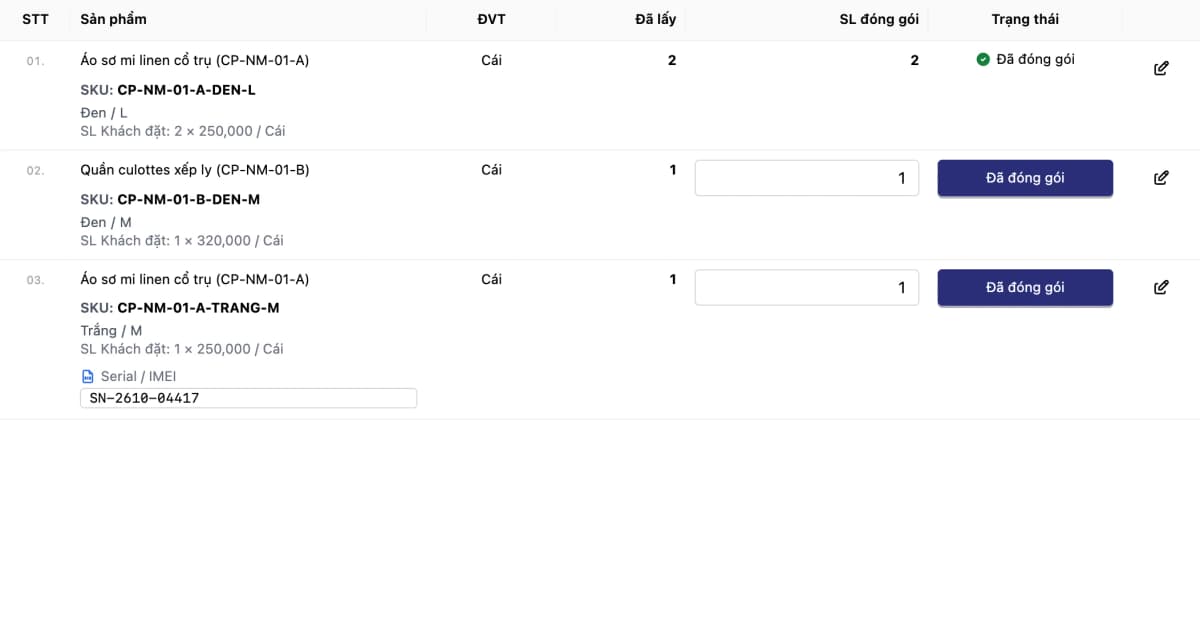
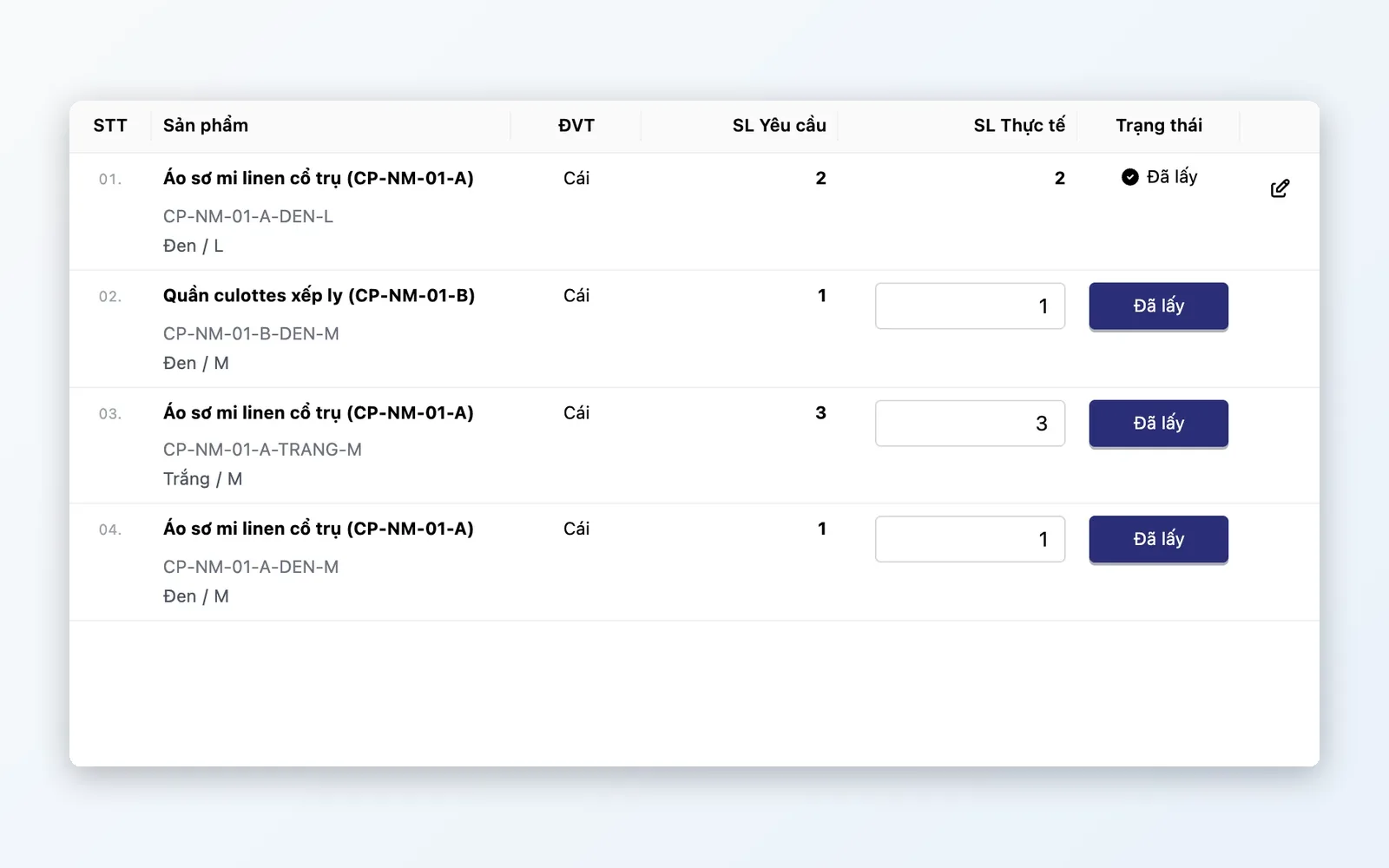
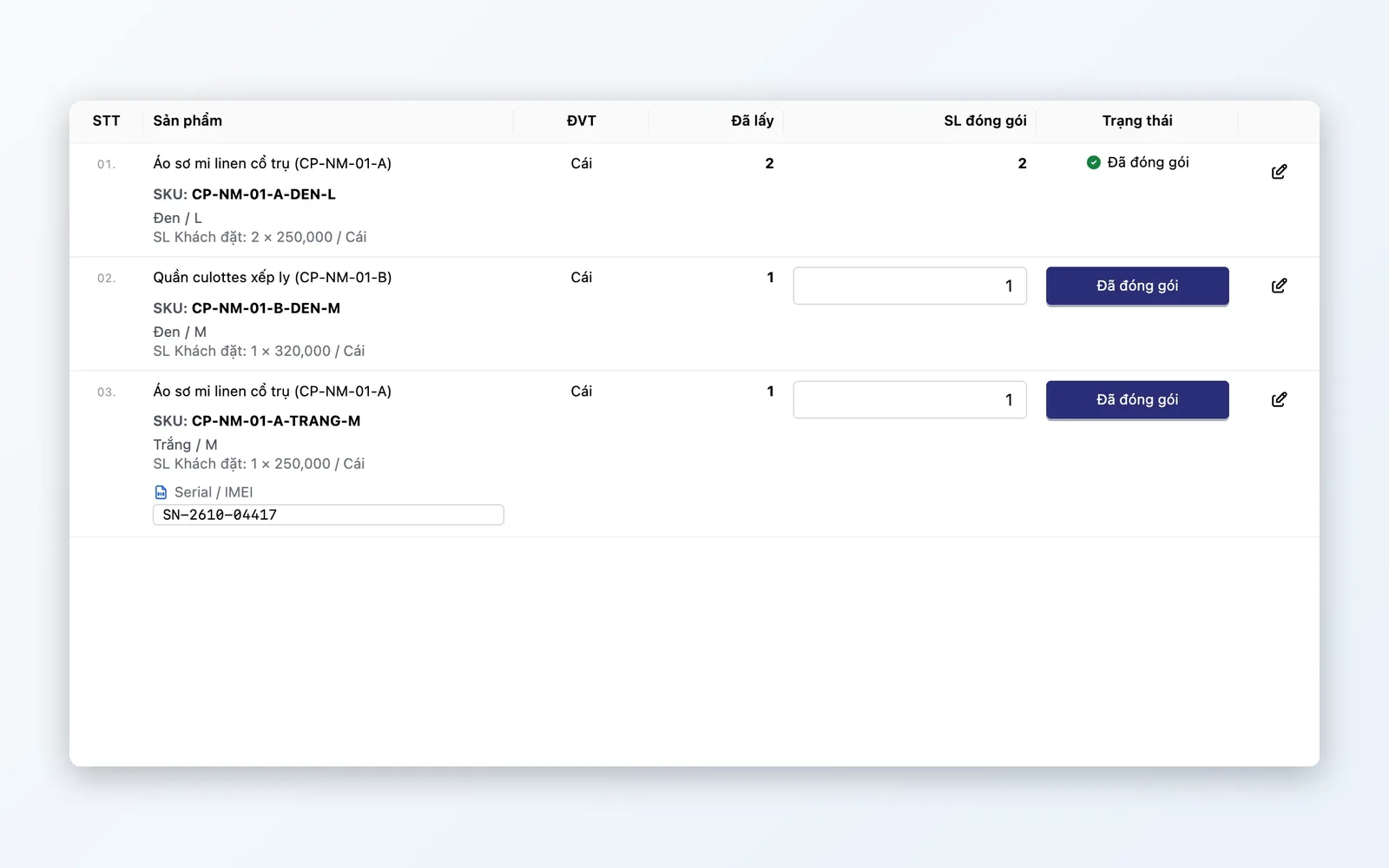
Pick lists combine multiple orders into a single picking run, then move on to packing; enter or scan serial numbers at packing for serial-tracked products.
3PL integration
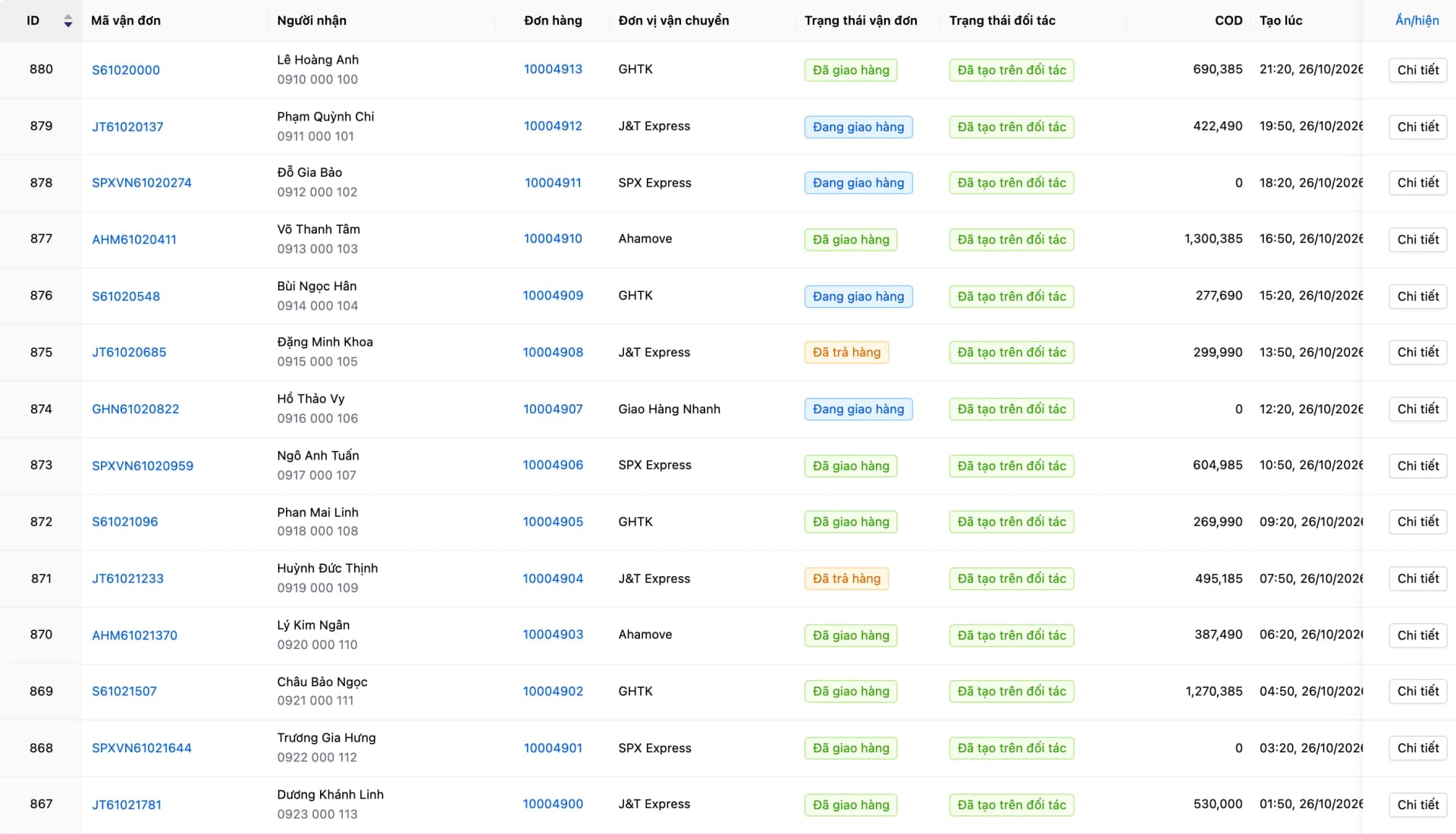
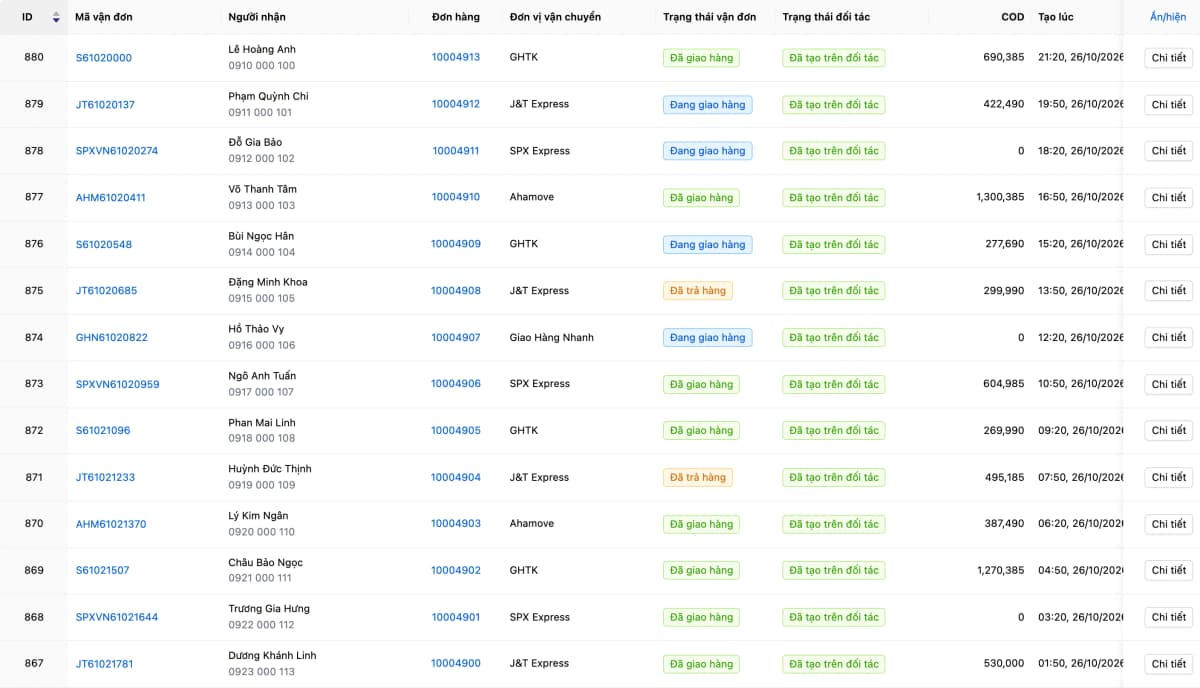
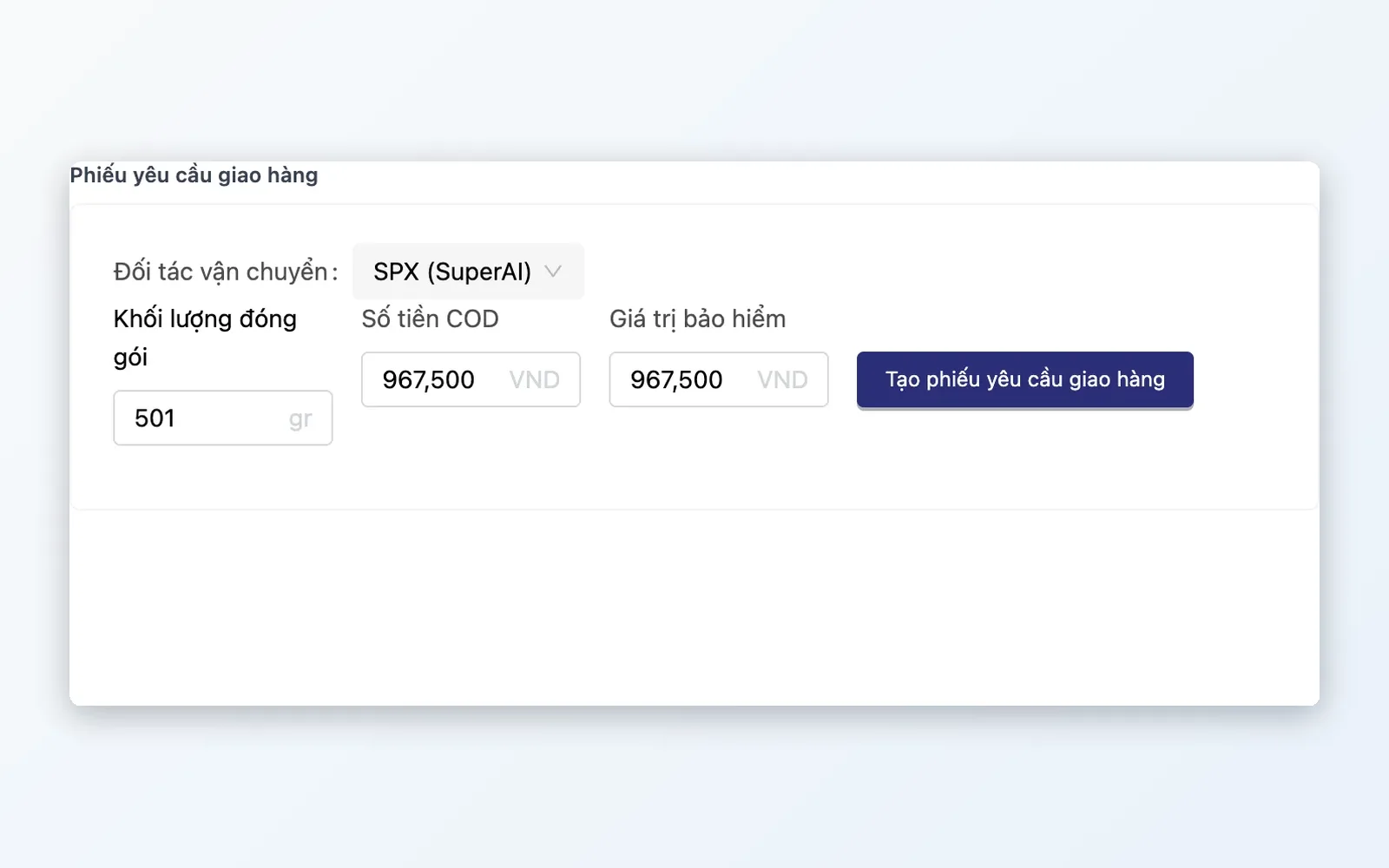
API connections to GHTK, ViettelPost, J&T Express, Ahamove, beDelivery and SuperAI — create shipments directly and save them as delivery slips with tracking number, COD and status.
Delivery tracking
Group orders into delivery batches to hand over to the carrier in one go; carrier shipment status flows back to the delivery slip and the order (webhooks with some carriers, scheduled or manual sync with others).
Returns handling (RTO)
Track return status from the carrier, reconcile return shipping fees through partner settlement statements, and take returned goods back into stock with a stock receipt or a sales return.
Feature details
Everything to complete an order, grouped by function.
Shipment routing
Set rules so orders automatically go to the right dispatch warehouse — lower shipping costs, faster delivery.
- Order routing rules based on product conditions to choose the dispatching warehouse/branch
- Choose the warehouse by: fixed, priority, nearest, fastest delivery, most stock or manual
- Rule test page: try a sample cart and see the routing result before applying
Pick & pack
Batch many orders into one pick run — staff visit each aisle once.
- Pick lists: combine individual orders into one shared picking list so staff pass each shelf only once
- Enter or scan serial numbers at packing for serial-tracked products
- Track every step on one page: Order confirmed, Picking, Packing, Delivery, Awaiting receipt
3PL carrier integration
Create waybills and print labels inside Oviro — no logging into carrier portals.
- API integration: GHTK, ViettelPost, J&T Express, Ahamove, beDelivery, SuperAI
- Delivery slips: store the tracking number, carrier, COD and status of each shipment
- Print shipping labels — status flows back to OMS automatically
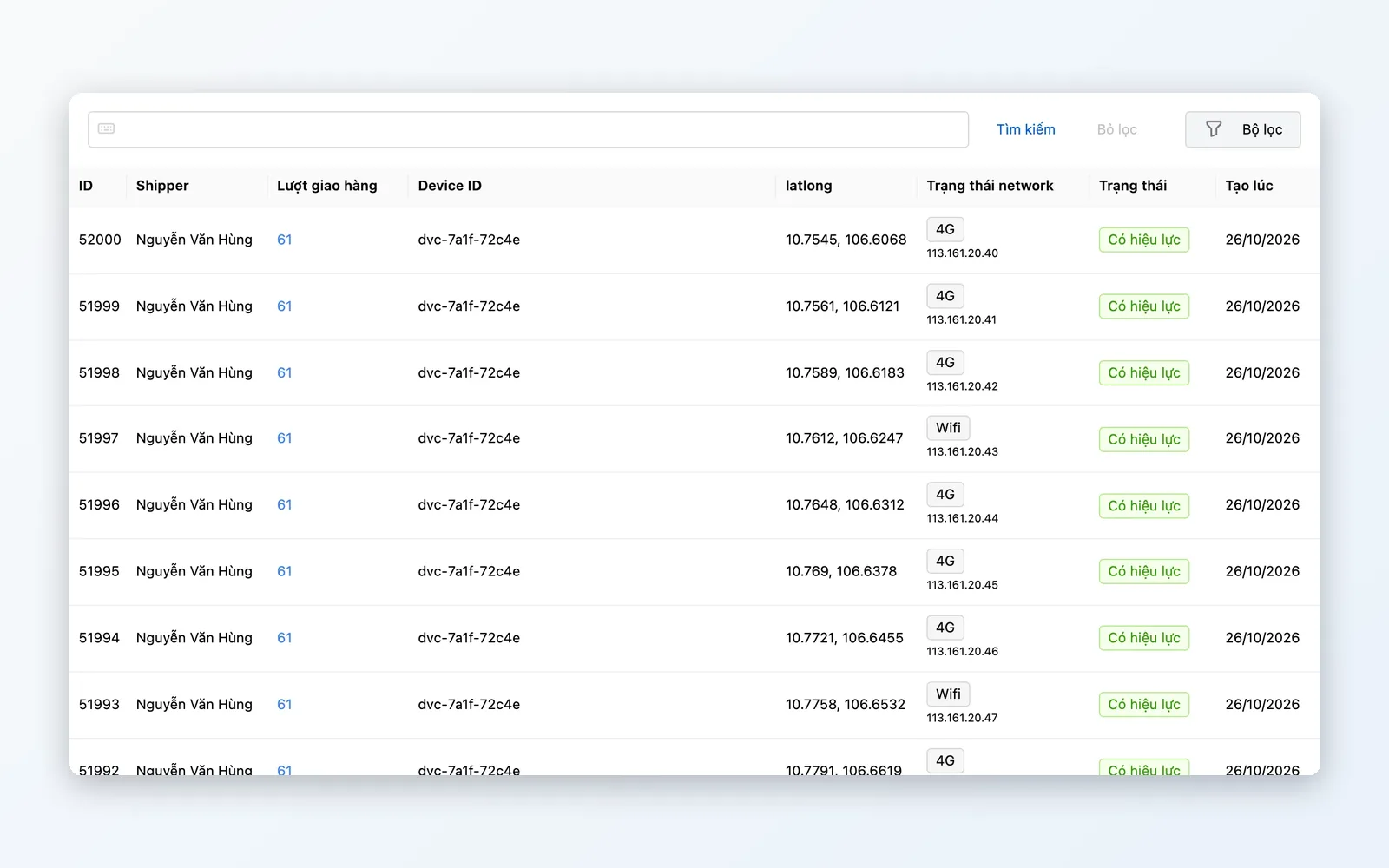
Delivery tracking
Know where every waybill is — spot issues before the customer complains.
- Carrier status sync: webhooks with some carriers, scheduled or manual sync with others
- Return status from the carrier is reflected on the order
- Delivery batches: group multiple orders to hand over to the carrier in one go
- Delivery status updates right on the order and the delivery slip
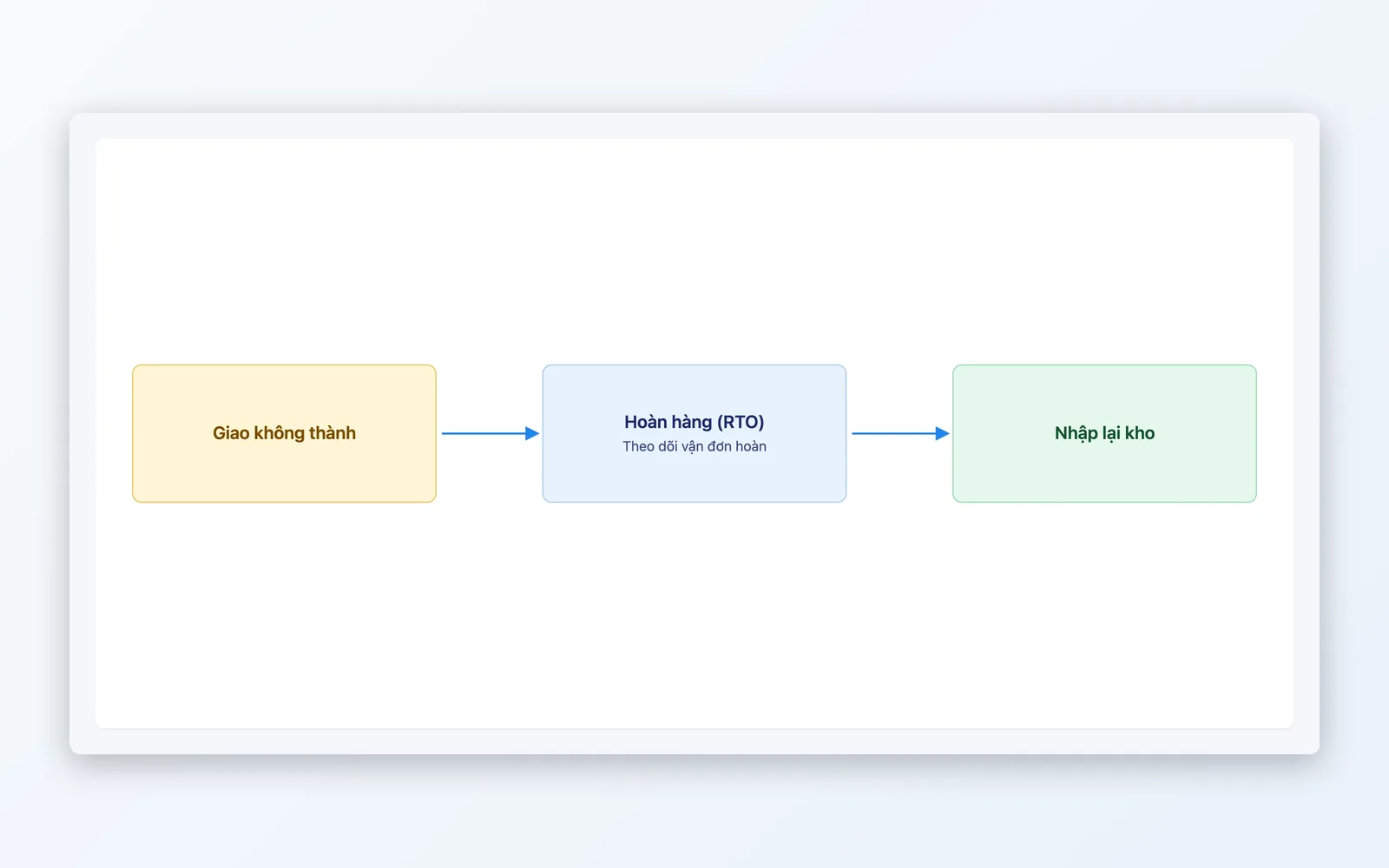
Returns (RTO)
Follow returned parcels and reconcile return fees — so returned goods are not overlooked.
- Track return status from the carrier
- Reconcile return shipping fees with the carrier through partner settlement statements
- Take returned goods back into stock with a stock receipt or a sales return
Order processing flow
From warehouse release to package delivered.
Receive release to ship
OMS approves the order and sends a ship request to Fulfillment.
Route
Routing rules choose the dispatching warehouse/branch; test the rules before applying them.
Pick & pack
Group orders into a pick list, pick, and enter serials while packing (serial-tracked products).
Carrier handoff
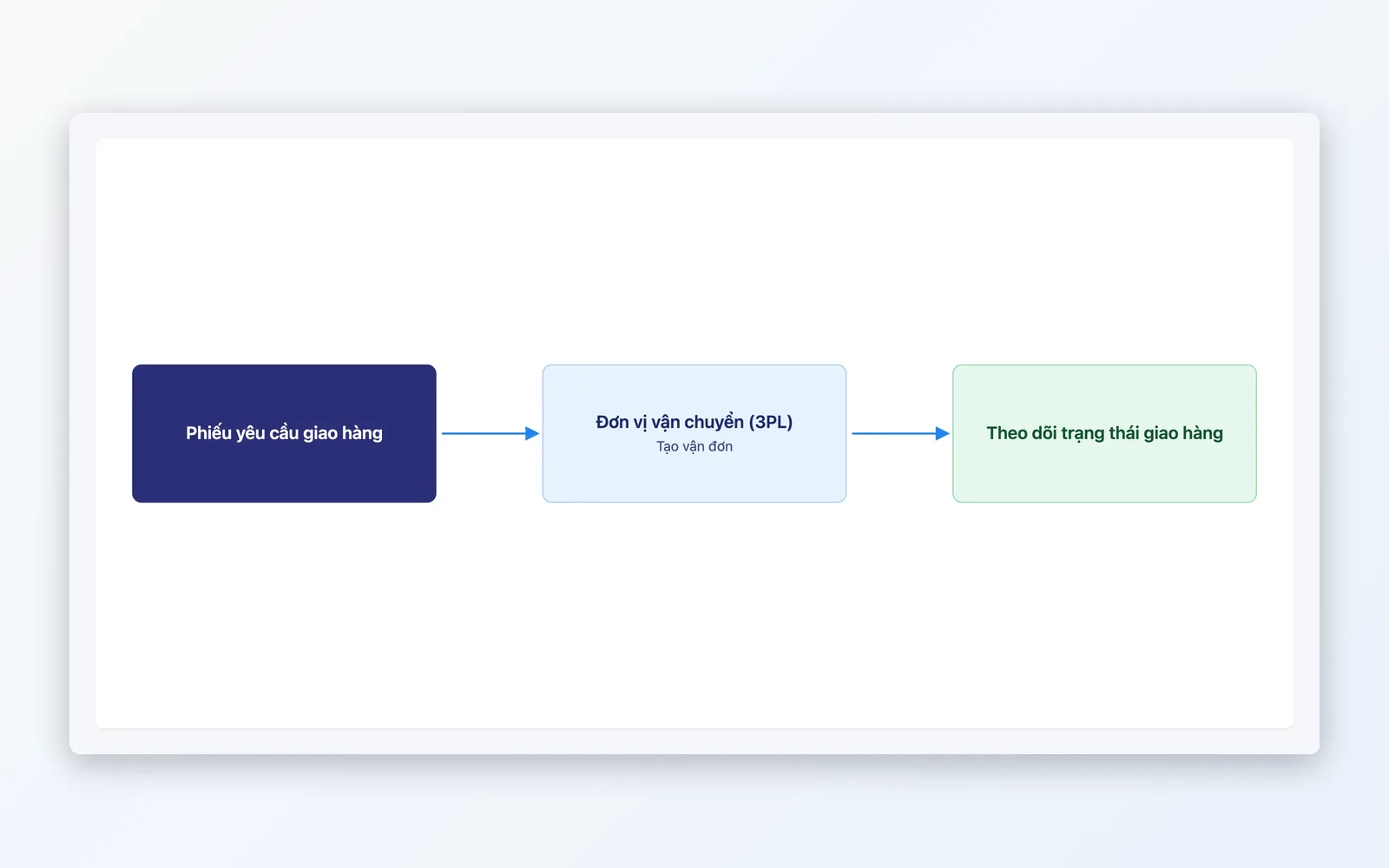
Call the API to create the shipment, print the label, save the delivery slip, group it into a delivery batch and hand it to the carrier.
Track & resolve
Sync shipment status from the carrier, follow returns and reconcile return fees.
Receive release to ship
OMS approves the order and sends a ship request to Fulfillment.
Route
Routing rules choose the dispatching warehouse/branch; test the rules before applying them.
Pick & pack
Group orders into a pick list, pick, and enter serials while packing (serial-tracked products).
Carrier handoff
Call the API to create the shipment, print the label, save the delivery slip, group it into a delivery batch and hand it to the carrier.
Track & resolve
Sync shipment status from the carrier, follow returns and reconcile return fees.
Fits every operating model
Flexible fulfillment — from small businesses to large retail chains.
Flash sale & mega campaigns
Order volume spikes. Pick lists combine many orders into one run, then orders are grouped into delivery batches for handover to the carrier.
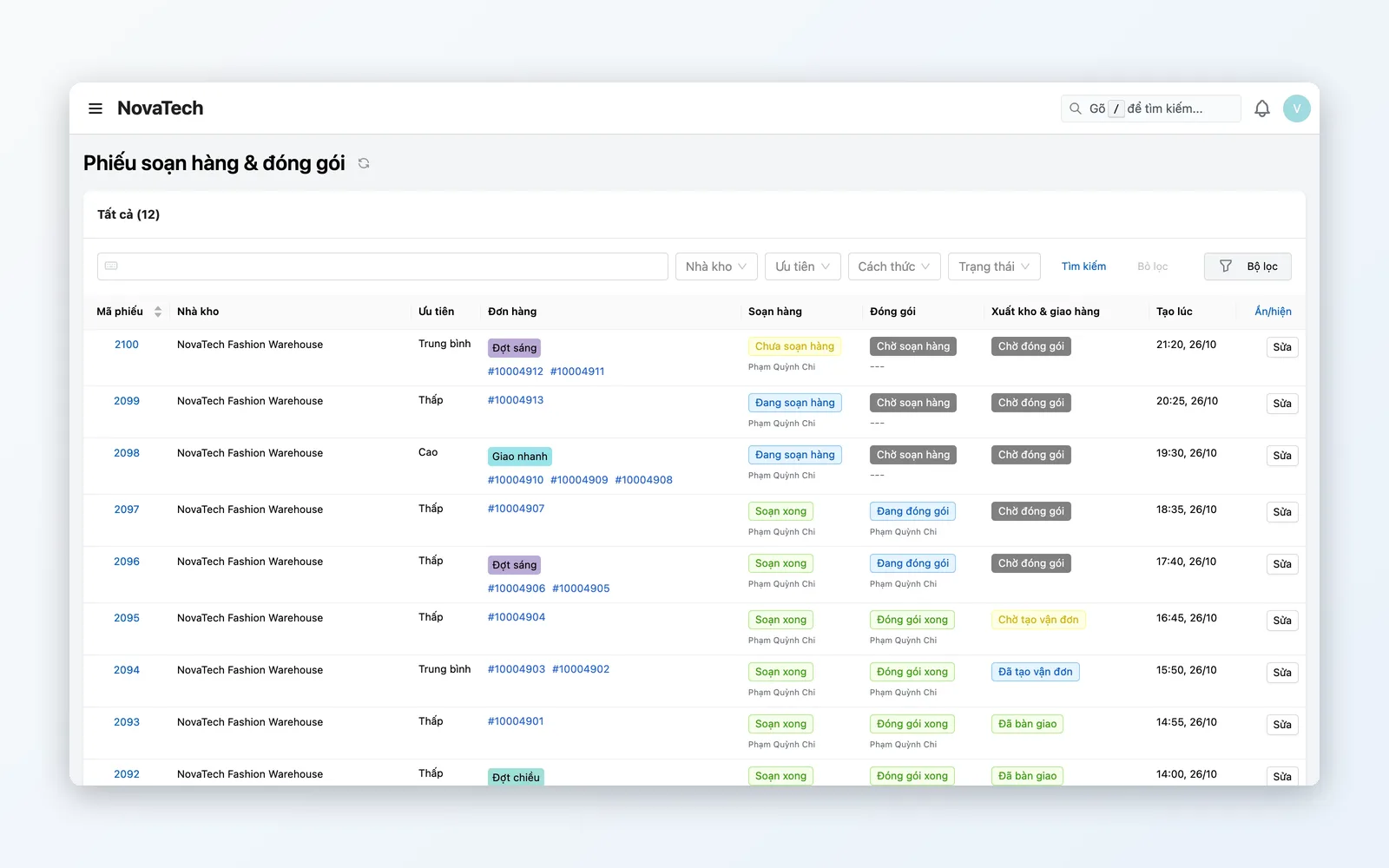
Multi-warehouse operations
Inventory spread across multiple warehouses/branches. Order routing rules send each order to the right warehouse by priority, distance or stock, and let you track progress on one page.
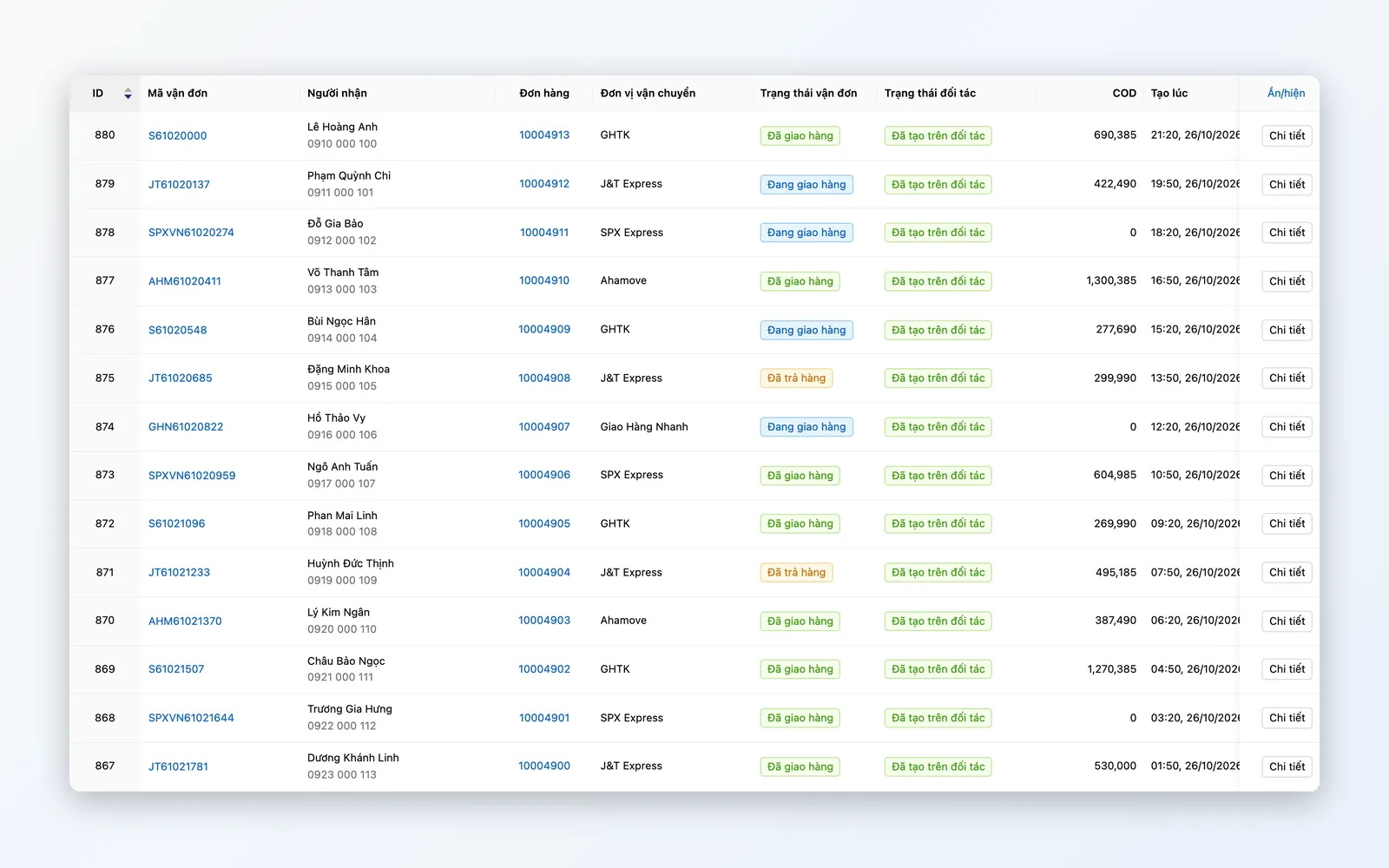
Omnichannel retail
Orders from web, marketplaces, and in-store POS share one standardized pick-pack-ship flow, with delivery status updated on the order.
Why choose Oviro Fulfillment?
Oviro separates Fulfillment from WMS and OMS — each module handles its own job. This Composable Commerce architecture keeps operations stable when order volume surges.
Accelerate pick–pack–ship today!
Standardize fulfillment, connect 3PL carriers, and control delivery on every order — ready to scale for flash sales and peak campaigns.