RFID technology — read the whole basket at once
Not just a reader bolted onto a POS terminal — this is a full RFID system running on both the staffed checkout counter and the self-checkout Kiosk, talking to readers over a local WebSocket connection that isn't tied to any one hardware vendor. Cashiers start a scan with a keyboard shortcut, and Kiosk customers set an entire basket on the reader pad — every tagged item is recognized instantly, with no barcode scanning item by item.
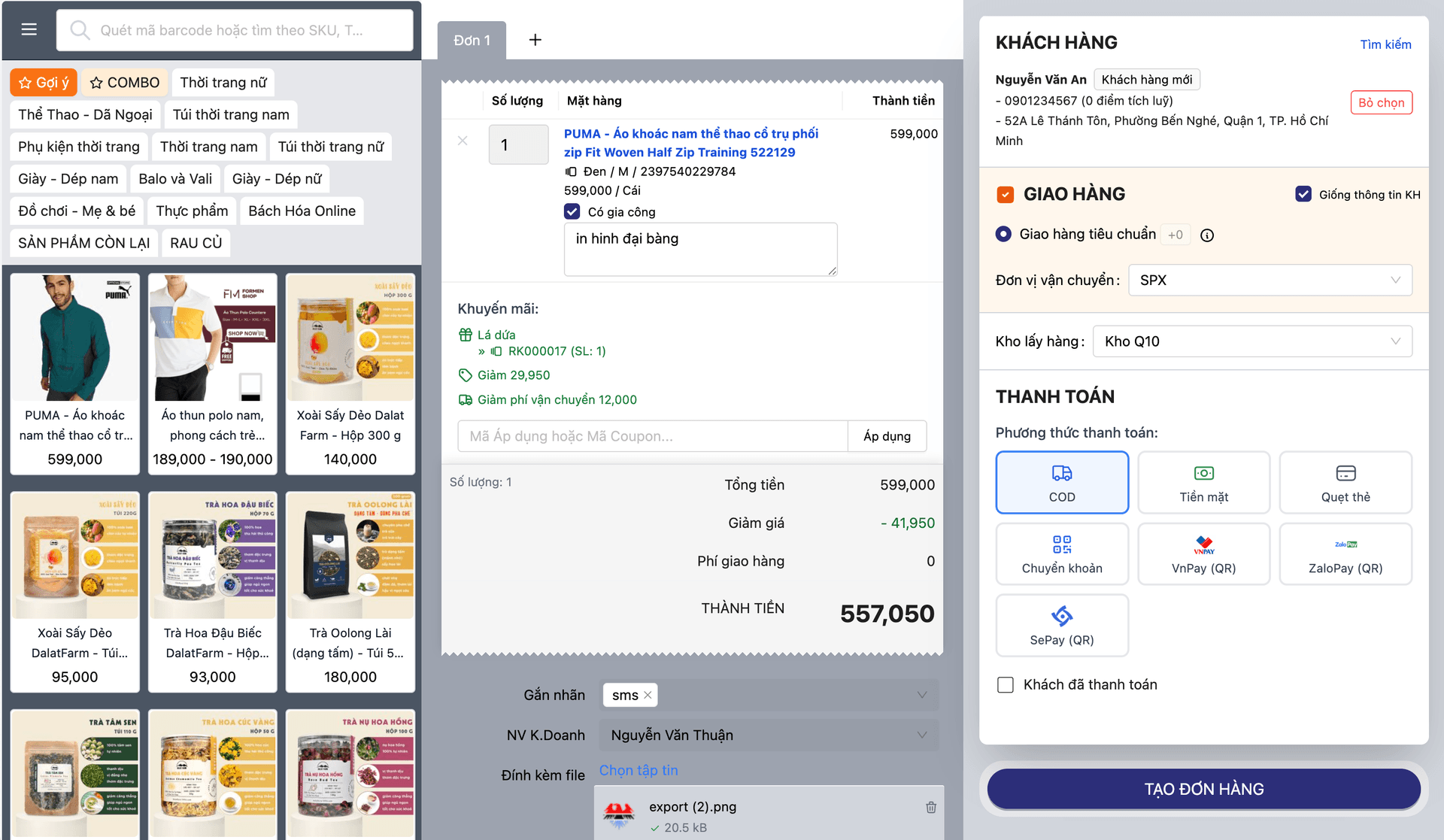
Scanning products one barcode at a time at the checkout counter is slow, especially in categories with large baskets like fashion and cosmetics — and even more awkward in self-checkout, where speed and simplicity are non-negotiable. Manual serial-by-serial stocktaking is just as slow and just as error-prone.
A whole basket of RFID-tagged items is recognized instantly and all at once — no more scanning item by item, whether at a staffed counter or an unattended self-service Kiosk.
Core capabilities
A real RFID system running at both selling points — the staffed checkout counter and the self-service Kiosk — not a demo feature bolted on for show.
Readers connect over a local WebSocket, with no vendor-specific SDK
Communication with the reader runs over a lightweight WebSocket connection on the local network — no lock-in to any one vendor's SDK or driver.
Active scanning at the POS counter — toggled by shortcut, auto-stops after 10 seconds
Cashiers toggle scanning from a toolbar button or the Space/F2 shortcut; each tag is matched to its own cart line by unique identifier, and scanning stops automatically after 10 seconds with no new tag detected.
Live Cart mode at the Kiosk — the cart mirrors exactly what is in the reader field
At the self-service Kiosk the reader connects on its own as the page loads; put an item in the basket and it appears in the cart immediately, take it out and it disappears about 2 seconds later — in real time.
Desktop and handheld readers supported, configured per station
Each POS or Kiosk station has its own reader host and port configuration, compatible with both fixed desktop pads and mobile handheld readers.
Built on the system's existing serial-number tracking
Every RFID tag maps onto the product's existing serial number in the system — no separate data model built just for RFID.
Feature details
From the staffed checkout counter to the unattended self-service Kiosk — the same RFID infrastructure, operated two ways to suit each touchpoint.
At the POS counter
The cashier starts scanning when needed, the system matches tags into the cart, and scanning switches itself off when idle.
- Toggle scanning from a toolbar button or the Space/F2 shortcut
- Match each tag to the right cart line by its own unique tag identifier
- Scanning stops automatically after 10 seconds with no new tag, so no reader is left running
At the self-service Kiosk
No staff action needed — the reader works entirely on its own the moment the customer starts.
- The reader connects automatically as the Kiosk page loads, with nothing to switch on by hand
- Live Cart mode: the cart updates in real time to match exactly what is in the reader field — add an item and it appears, remove it and it disappears about 2 seconds later
- Normal mode: each tag is added only once per session, for cases that don't need continuous tracking
Flexible hardware
No lock-in to one device line — it works with a range of readers.
- Supports both desktop pad readers and handheld readers
- Local WebSocket connection, with no tie to any single reader vendor's SDK
Built on existing infrastructure
RFID is not a separate data silo — it uses the inventory tracking foundation already in place.
- Every RFID tag maps directly onto the product's existing serial number or tag ID
- Shares the same serial-number tracking mechanism as the rest of the warehouse system, with no parallel data to sync
The lifecycle of an RFID scan
From tagging a product at receiving to the cart syncing to the system at checkout.
Tag the item & link the serial
Attach the RFID tag to the product and link it to the serial number at receiving.
Place items in the reader field
Set products on the reader pad at the Kiosk, or scan them with a handheld reader at the POS counter.
Recognize & match to the cart
The system reads the tags over the local WebSocket connection and matches them into the cart in real time.
Customers adjust the basket themselves (at the Kiosk)
In Live Cart mode, customers add or remove items on the reader pad and the cart updates with every move.
Pay & sync
Payment completes, and the tag-matched cart is synced in full to the system.
Tag the item & link the serial
Attach the RFID tag to the product and link it to the serial number at receiving.
Place items in the reader field
Set products on the reader pad at the Kiosk, or scan them with a handheld reader at the POS counter.
Recognize & match to the cart
The system reads the tags over the local WebSocket connection and matches them into the cart in real time.
Customers adjust the basket themselves (at the Kiosk)
In Live Cart mode, customers add or remove items on the reader pad and the cart updates with every move.
Pay & sync
Payment completes, and the tag-matched cart is synced in full to the system.
Real-world scenarios
Three places where RFID cuts the most visible time: the checkout counter, the self-service kiosk, and the warehouse.
Fashion and cosmetics stores that need fast checkout for many items at once
At the POS counter, the cashier starts a scan once and every tagged item in the basket is recognized almost simultaneously, instead of one barcode at a time — especially effective in categories with many items per receipt.
Self-service Kiosk — customers set the whole basket on the reader, with no staff involved
The reader connects automatically as the customer starts a session at the Kiosk. In Live Cart mode the cart reflects exactly what is actually in the reader field in real time, making self-checkout fast and unsupervised.
Fast stocktakes with a handheld reader instead of counting item by item
Use a handheld reader to sweep tagged products across a warehouse zone or a shelf and reconcile immediately against the serial numbers recorded in the system — cutting periodic stocktake time substantially.
How this differs from an ordinary bolt-on RFID reader
Most RFID solutions on the market serve a single purpose and are locked to one hardware vendor. Oviro builds RFID as a real system shared across both selling points — the staffed checkout counter and the unattended self-service Kiosk — connecting over a local WebSocket with no vendor SDK lock-in, and reusing the warehouse system's existing serial-number tracking rather than standing up a parallel RFID data model.
Recognize the whole basket instantly — no more item-by-item scanning
The same RFID system works identically at the staffed POS counter and the unattended self-checkout Kiosk — flexible hardware connectivity, built on the serial-number infrastructure you already have.