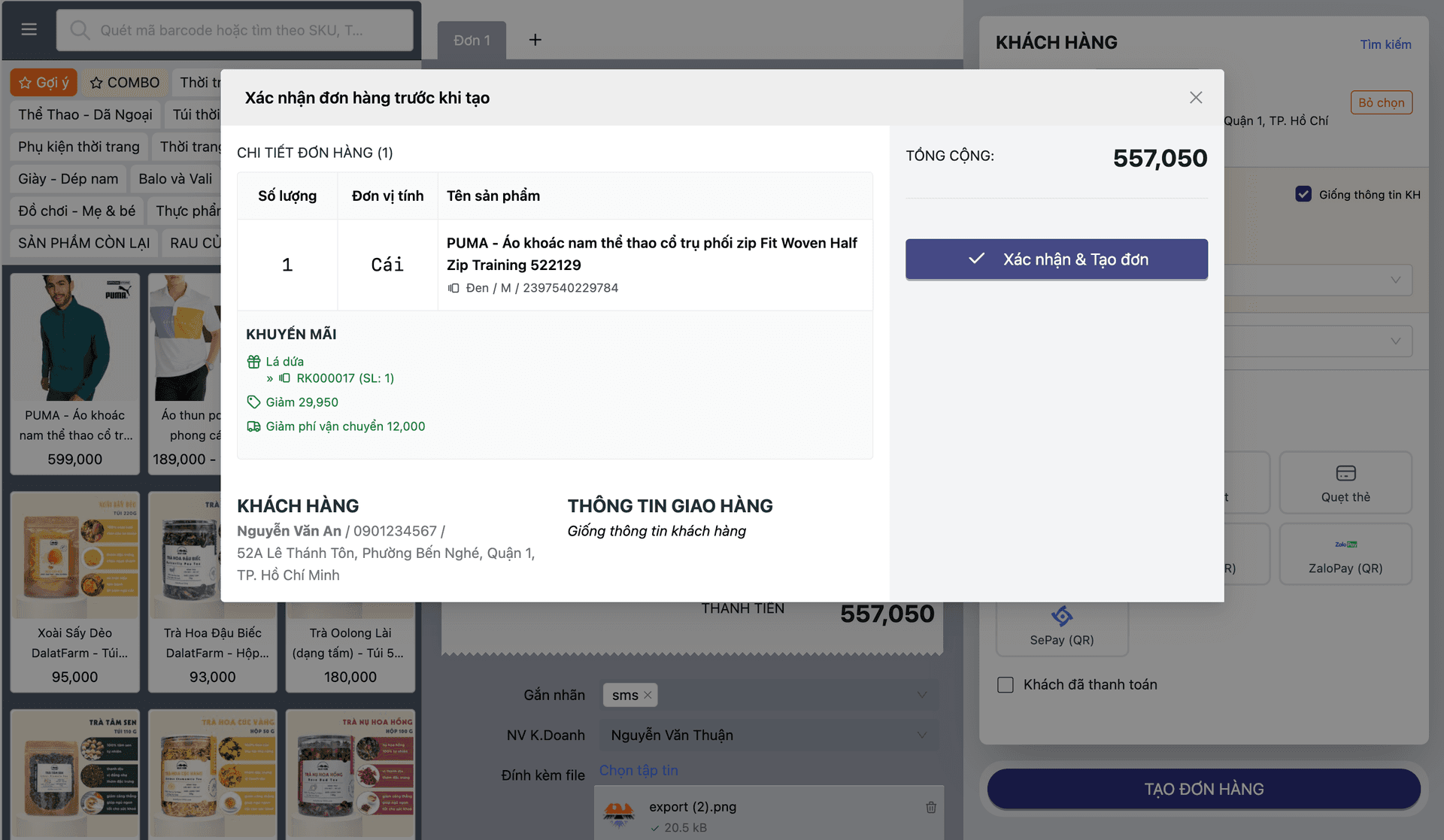
Self-service Kiosk
Not a scaled-down POS screen, but a standalone self-checkout application with its own architecture: Buyer Mode lets customers pick products and pay themselves, while Manager Mode lets staff configure devices and monitor the station remotely. It integrates the same RFID Live Cart technology used at the POS counter — customers place items on the reader and the cart updates in real time, with no need to scan each item individually.
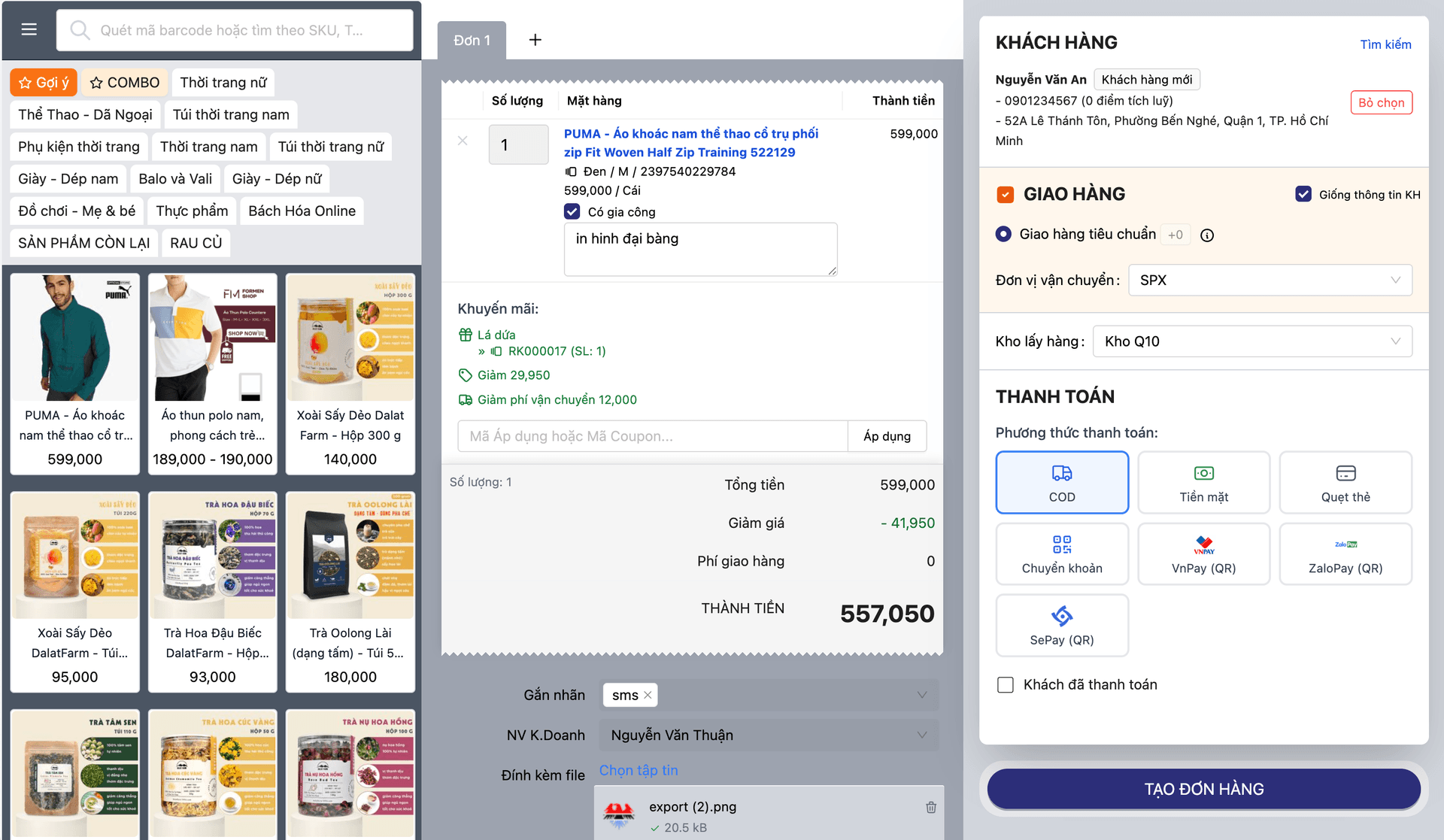
During peak hours, checkout counters get overwhelmed — long queues, customers walking away, and labor costs that scale with every shift. For self-select formats like mini-marts, drink and snack corners, or locations too small to fit a full checkout counter, the problem is even harder to solve.
A complete self-service checkout station — customers pick products, place items on the RFID reader, and pay on the spot without a cashier present, powered by the same real-time RFID Live Cart technology already proven at staffed POS.
Core capabilities
Kiosk isn't a display mode of the POS — it's a standalone application with its own Buyer Mode / Manager Mode architecture and state machine, sharing the same real-time cart technology as staffed POS.
Buyer Mode
A welcoming idle screen invites customers to start, product selection on an intuitive interface, and a cart that updates in real time throughout the shopping flow.
Manager Mode
Store staff configure devices, set station parameters, and monitor kiosk health remotely without standing at the machine.
RFID Live Cart integration
Customers place items on the RFID reader and the system recognizes and updates the cart instantly — no need to scan each item like a traditional barcode scanner.
On-the-spot checkout, automatic reset
Customers confirm and pay right on the kiosk; once done, the system automatically returns to the welcome screen, ready for the next customer.
Feature details
From the customer's self-service experience to the staff's operating tools — every piece of a complete kiosk station.
Self-service customer experience
From a welcoming idle screen to a clear cart — designed for customers to operate on their own, no instructions needed.
- Welcome screen invites customers to start a transaction
- Intuitive product selection on the touch interface, no complex steps
- Clear cart display that updates instantly as items are added or removed
- Smooth state transitions: Welcome → Idle → Cart Active
Operations & monitoring via Manager Mode
Store staff have full control to configure and monitor kiosk stations without standing beside them.
- Device configuration: machine settings, displayed catalog, payment methods
- Remote monitoring of each kiosk station's operating status
- Flexible switching between Manager Mode and Buyer Mode on the same device
RFID Live Cart integration
Shares the same real-time cart technology with staffed POS — no separate scanning logic rebuilt for kiosk.
- Customers place items on the RFID reader and the cart updates instantly
- No need to scan each item like traditional barcodes
- Same RFID Live Cart platform already proven at staffed POS counters
A closed transaction loop
From welcome screen to payment and back — no staff intervention needed between customers.
- Operates on a clear state machine: Welcome → Idle → Cart Active
- Once payment completes, the system automatically returns to the welcome screen for the next customer
- No staff reset or manual intervention needed between transactions
The lifecycle of a Kiosk transaction
Six closed-loop steps from the welcome screen to the printed receipt — no staff intervention needed between customers.
Welcome screen
The kiosk shows a greeting, inviting the customer to start a self-checkout session.
Customer identification
The customer enters their details so the order attaches to the right profile, or skips ahead for a quick purchase.
Scan items & cart
The customer scans products or sets a whole basket on the RFID reader — the cart updates in real time.
Discount code
Enter or scan a discount code before paying, or skip it and continue.
Payment
The customer picks a method and pays right at the kiosk through the connected card reader.
Complete & reset
Print the receipt, close the transaction, and the kiosk returns to the welcome screen for the next customer.
Welcome screen
The kiosk shows a greeting, inviting the customer to start a self-checkout session.
Customer identification
The customer enters their details so the order attaches to the right profile, or skips ahead for a quick purchase.
Scan items & cart
The customer scans products or sets a whole basket on the RFID reader — the cart updates in real time.
Discount code
Enter or scan a discount code before paying, or skip it and continue.
Payment
The customer picks a method and pays right at the kiosk through the connected card reader.
Complete & reset
Print the receipt, close the transaction, and the kiosk returns to the welcome screen for the next customer.
Who Kiosk fits
Three retail formats where a complete self-service station solves the staffing problem.
Mini-marts & convenience stores at peak hours
Reduce checkout counter load during the busiest hours, when every minute in line can send a customer walking away.
Self-select zones: drinks, snacks, frozen goods
Self-select zones that don't need staff standing by continuously — customers grab items and pay on the spot.
Small-footprint locations with no room for a traditional counter
Still need a working point of sale, but the floor plan is too small for a traditional checkout counter — kiosk is the compact answer.
Why Oviro Kiosk isn't just "POS running in kiosk mode"
Many systems label "kiosk" as simply a scaled-down POS interface running full-screen. Oviro Kiosk is a standalone application, purpose-built with a two-mode architecture — Buyer Mode and Manager Mode — governed by an explicit state machine: Welcome → Idle → Cart Active. It shares RFID Live Cart technology with staffed POS instead of rebuilding scanning logic separately, and runs on dedicated kiosk station hardware — a genuine engineering investment in a complete application, not a display option.
Open a complete self-service checkout point — without adding headcount
Powered by the same real-time RFID Live Cart technology already proven at POS — customers pick, pay, and the system automatically resets for the next customer.